Guide walkthrough
Start reading here
This is the main article body, where the page shifts from summary cards into the actual workflow and decision-making notes.
On this page
Key terms for this guide
These glossary pages cover the ideas and platform language most likely to matter as you work through this guide.
MT4 is strongest with simple overlays and utilities that do one job clearly
The best MT4 indicators are usually not elaborate prediction engines. They are the tools that fit what MT4 users actually do every day: mark price location, frame volatility, define trend bias, or create a clean alert around one repeat condition. MT4 rewards studies that stay lightweight and readable.
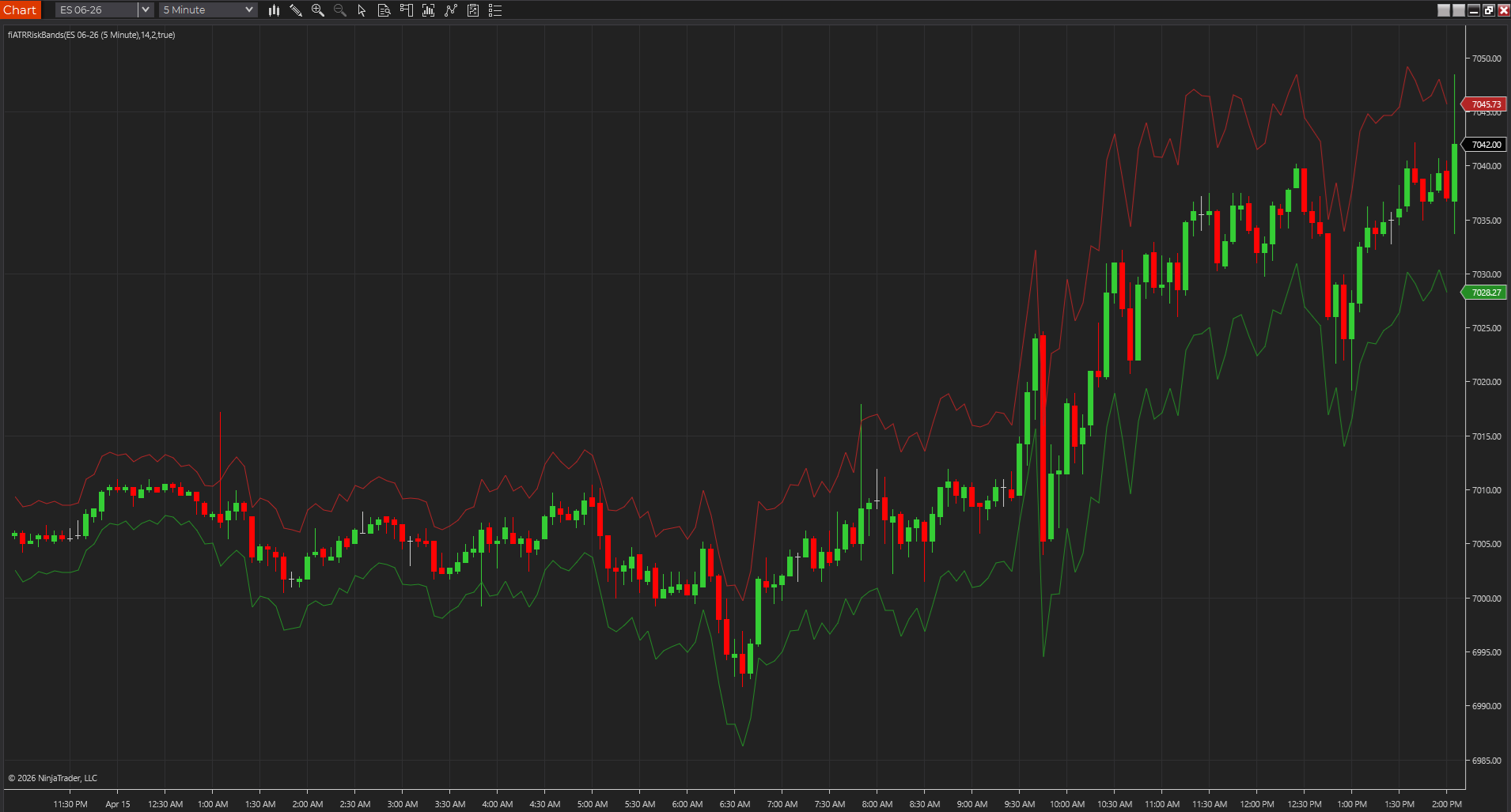
- ATR, ADR, and trailing-stop style tools help turn volatility into usable stop and target context.
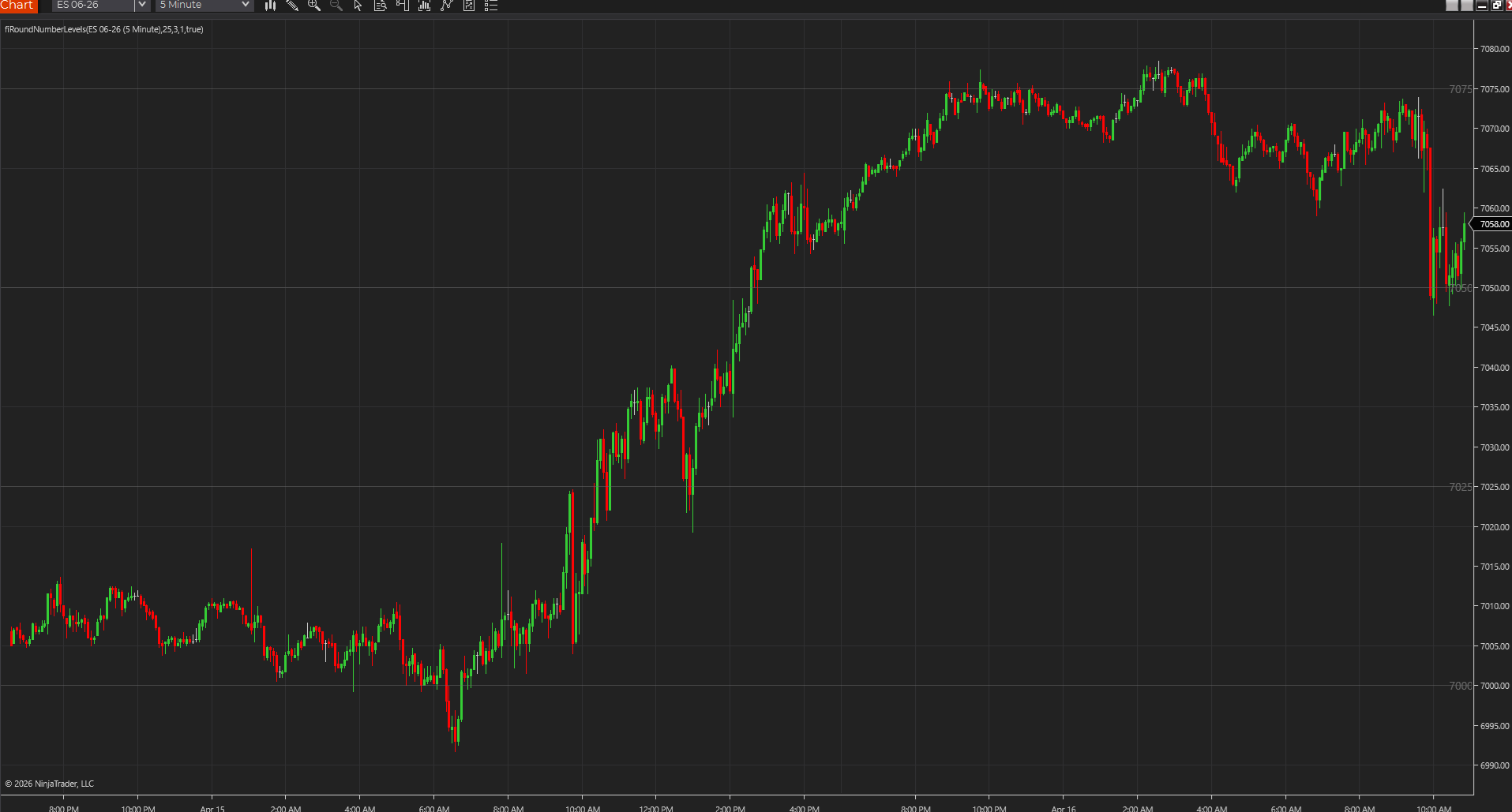
- Round-number, session-box, and simple level overlays tend to be more useful than ornate signal packages.
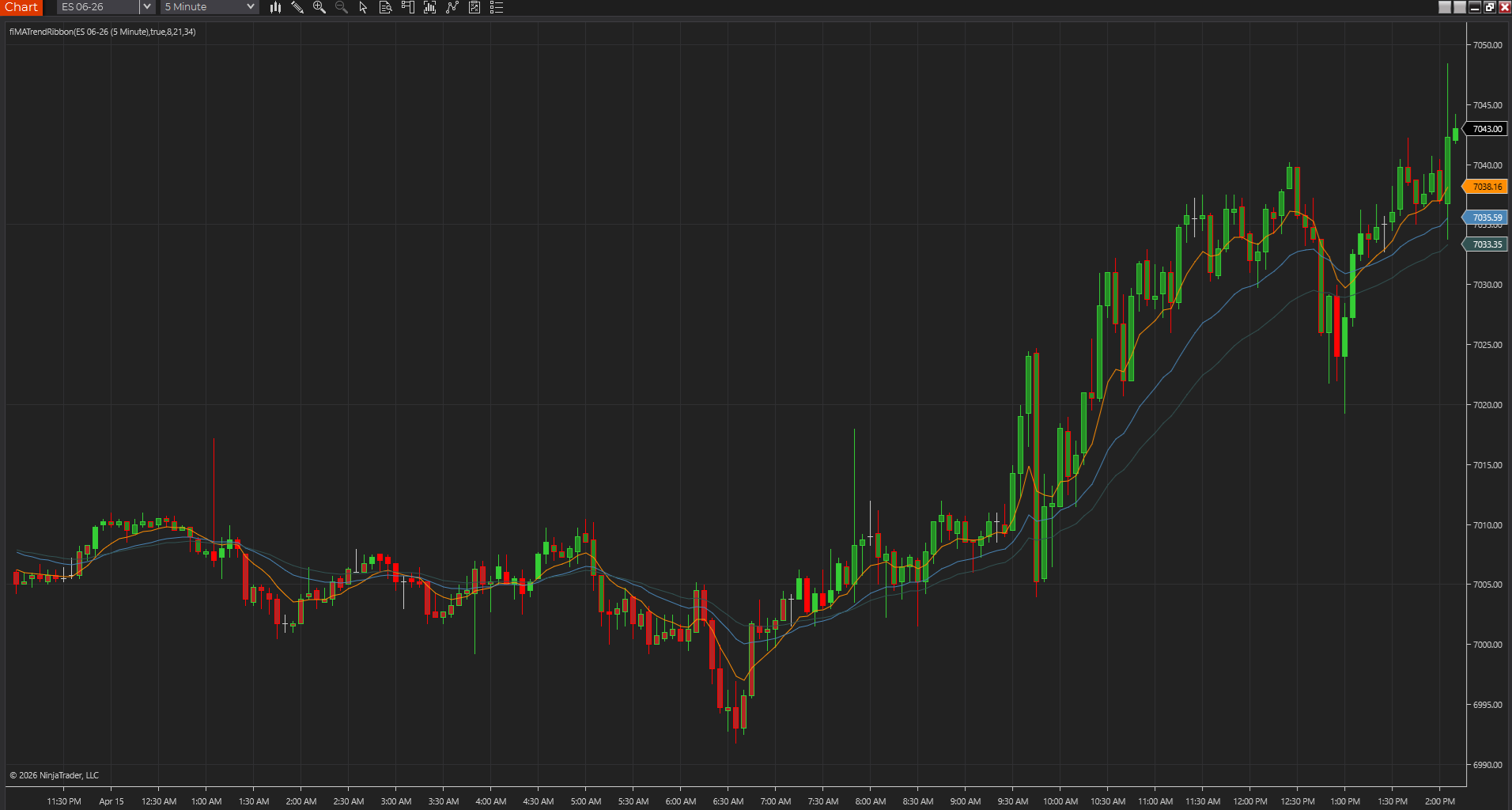
- Trend tools work best when they clarify bias without covering the chart in arrows and labels.
Download quality is part of the indicator quality question on MT4
MT4 has been around long enough that the indicator ecosystem is full of recycled files, renamed freebies, and code with unclear provenance. That means a good MT4 indicator is partly about the logic and partly about whether you can trust what you installed at all.
- Source you can inspect is usually safer than a mystery `.ex4` with no explanation.
- Screenshots and marketing promises are weaker evidence than a clean compile and understandable output.
- Testing one study at a time is the fastest way to separate real value from recycled clutter.
Match the indicator to the MT4 job, not just the category label
MT4 gets easier when the indicator is chosen by job. If you need cleaner stop placement, use volatility tools. If you need obvious chart structure, use level overlays. If you need directional discipline, use a trend filter that does not pretend to be a complete trade plan.
- Use level tools when price location drives the decision more than momentum.
- Use volatility tools when stop distance and position sizing need more realism.
- Use trend filters when you need bias, not when you are trying to outsource the full setup.
A good MT4 guide should also be honest about MT4's limits
The point of an MT4 guide is not to pretend MT4 is the perfect home for every modern workflow. It is to help the trader use MT4 well if that is their platform, and to make it obvious when MT5 or another environment might be a cleaner long-term answer.
- The install guide covers the practical MetaEditor-to-chart workflow.
- The MT4 vs MT5 page helps answer whether the platform itself is still the right home.
- That makes the indicator page more useful than a simple download roundup.
The best MT4 tools usually earn trust by staying simple under pressure
MT4 indicators tend to feel strongest when the market is moving and the tool still stays understandable. A clean level overlay, volatility guide, or alert utility often helps more than a dramatic script that becomes hard to trust once price speeds up. That is where the better MT4 studies separate themselves from old download clutter.
- Stress reveals whether the indicator is actually useful.
- Simple tools usually survive live-chart pressure better.
- That is a stronger standard than judging the chart at rest.
Best next reads
These pages pick up the questions most readers usually have next, so you do not have to back out and start a fresh search.
Frequently asked questions
What types of indicators are best for MT4?
Usually the strongest MT4 indicators are lightweight overlays and utilities that clarify trend, levels, or volatility without hiding the price action under heavy decoration.
Should I still build indicator workflows on MT4?
Yes if MT4 is already your live environment, but it is worth comparing MT5 before you build a new workflow from scratch because the better answer is not always the legacy platform.
What is the best sign that an MT4 indicator deserves chart space?
It should stay understandable when the market gets busy. If the tool still helps with bias, levels, or risk without turning into noise under pressure, it is probably worth keeping.
What should an MT4 trader check before installing another indicator?
Check whether the tool solves a clear job first, whether the source or logic is understandable, and whether the chart still stays readable after the indicator is added.