Guide walkthrough
Start reading here
This is the main article body, where the page shifts from summary cards into the actual workflow and decision-making notes.
On this page
Key terms for this guide
These glossary pages cover the ideas and platform language most likely to matter as you work through this guide.
TradeStation is strongest with indicators that express bar logic clearly
The best TradeStation studies are usually the ones that map cleanly onto EasyLanguage's strengths: bar-by-bar conditions, session references, level calculations, and plots you can inspect without fighting the platform. If the indicator solves one job clearly and exposes usable inputs, it tends to age well in TradeStation.
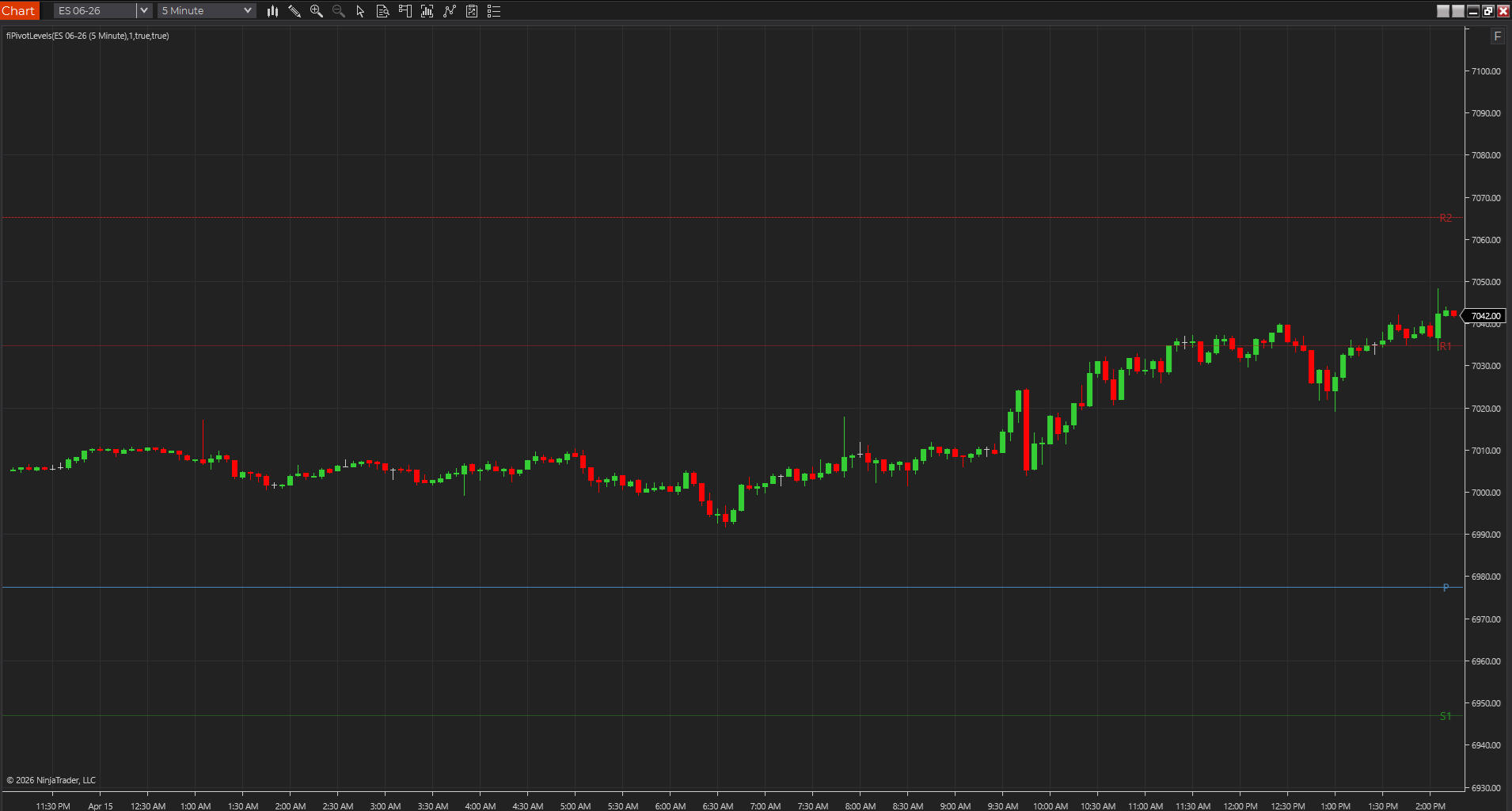
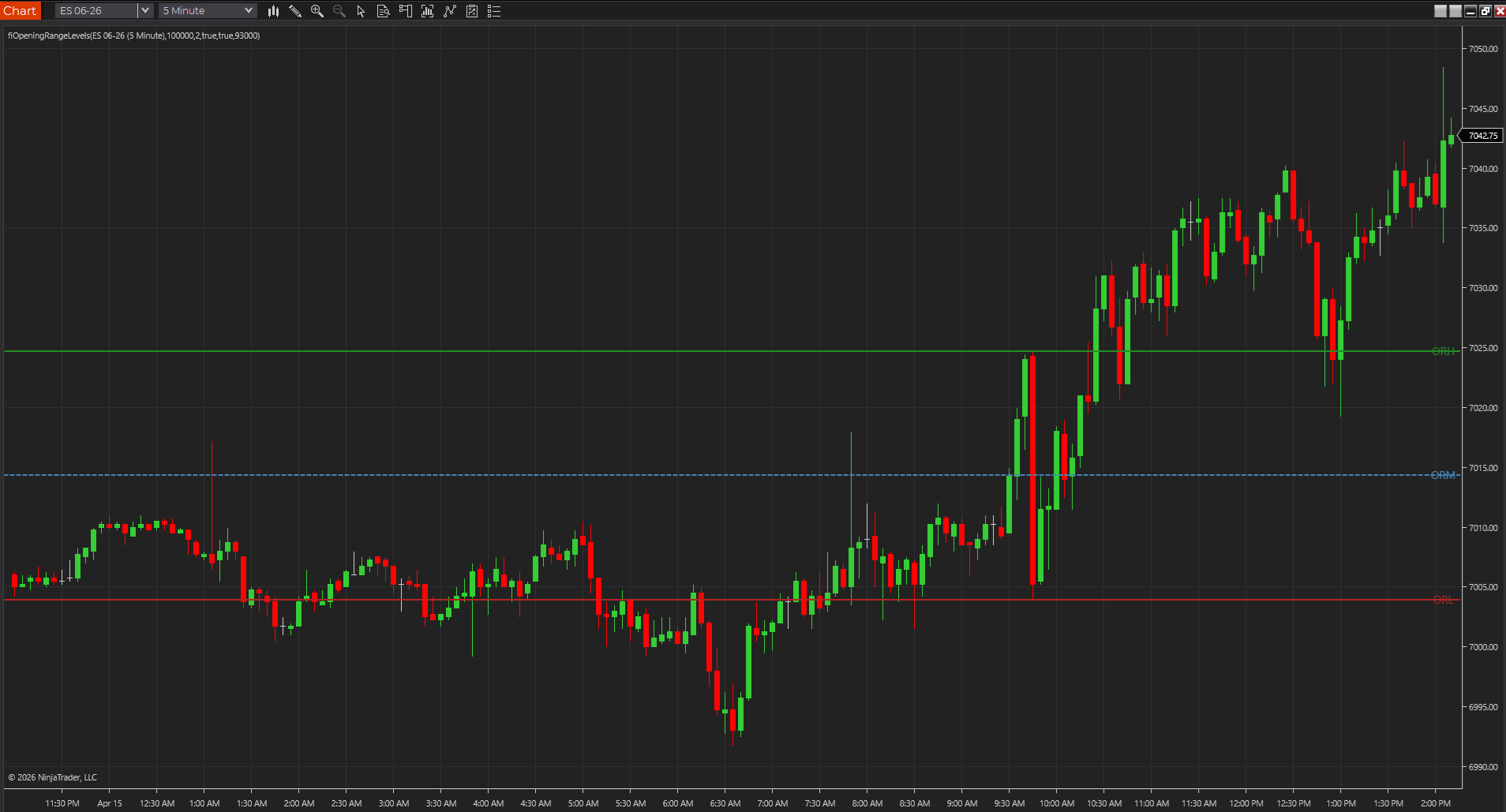
- Opening-range, pivot, and session tools fit naturally because the calculations are easy to verify bar by bar.
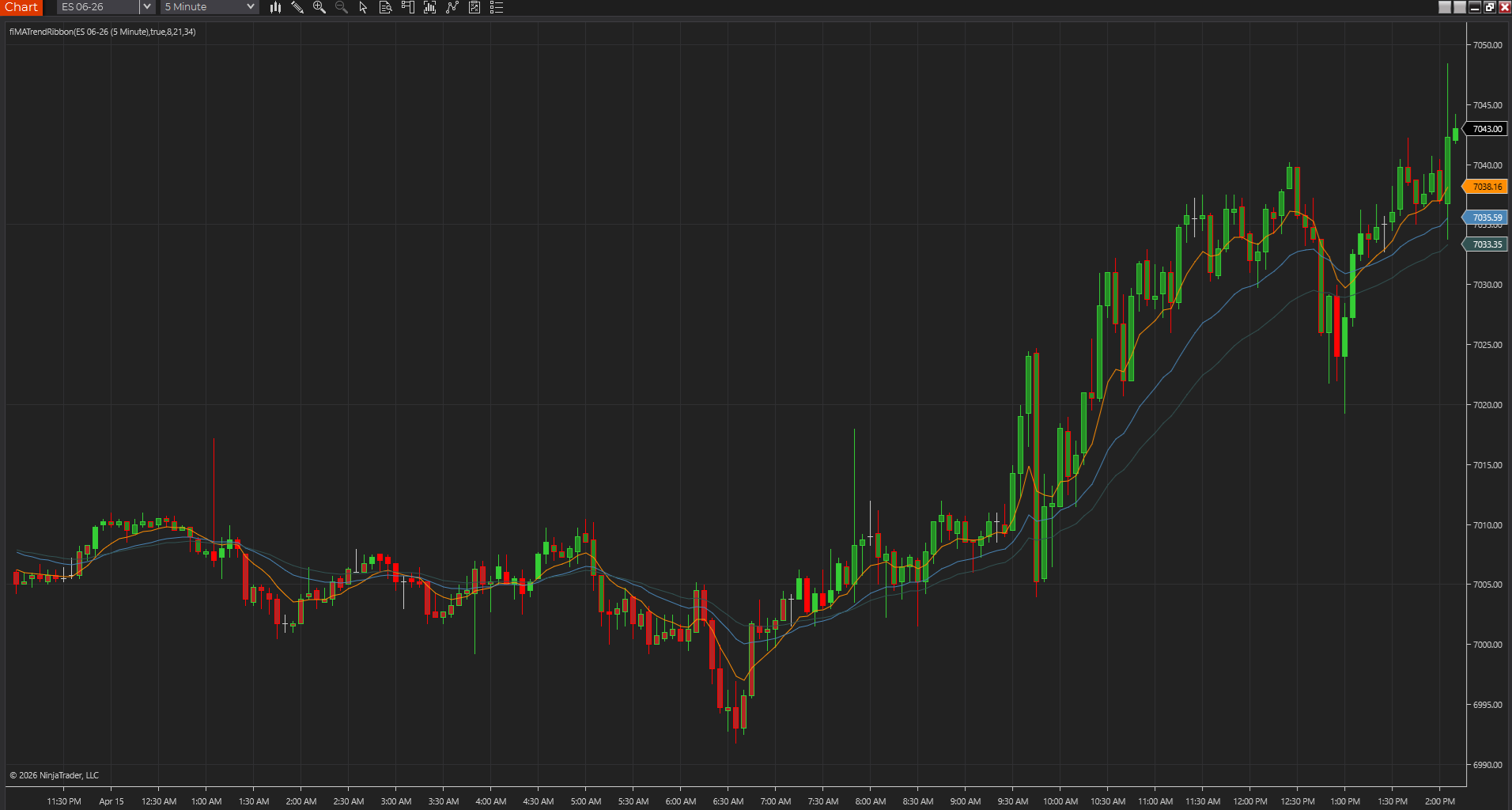
- Trend overlays work well when they stay readable and do not bury price under decoration.
- The best TradeStation study is often the one you can still explain after a week away from the code.
Prior-session and opening-session tools tend to be especially practical
On TradeStation, a lot of the day-to-day value comes from studies that answer location questions quickly: prior high and low, session open, pivot levels, opening range, and simple trend context. Those tools are easier to trust because you can compare the output directly against the chart instead of relying on a vague signal story.
- Intraday futures traders often get more mileage from location and breakout framing than from another oscillator.
- A clean session map usually beats a crowded chart full of overlapping studies.
- That is why level-oriented EasyLanguage tools make such a strong first layer.
Readable EasyLanguage beats clever opacity
A TradeStation indicator becomes more valuable when you can open the source, see the inputs, and understand what creates the plots. EasyLanguage is one of the reasons traders stay with TradeStation in the first place, so a black-box study wastes one of the platform's biggest advantages.
- Readable logic creates better testing habits and faster debugging.
- Simple studies are easier to adapt to your own session template, colors, and inputs.
- That is why source-backed tools usually beat mystery studies over time.
Pick studies you can verify quickly in the platform
The easiest way to separate a useful TradeStation indicator from filler is to ask whether you can verify it quickly after you add it to a chart. If you can check the levels, see why a marker appeared, and adjust the key inputs without hunting through the source for every answer, it is probably a good fit.
- Good studies expose the settings that matter without turning the format dialog into a maze.
- Manual spot checks on a few bars should make the study feel more trustworthy, not less.
- If the tool cannot survive that simple test, it probably does not deserve chart space.
The best TradeStation stack usually feels cleaner after a week
A strong TradeStation indicator stack tends to get simpler as you live with it. The studies that deserve space are the ones that still feel readable after a week of real charts, not just the ones that looked exciting on the day you added them. That is usually where dependable EasyLanguage tools separate themselves from filler.
- A good stack becomes easier to trust, not harder to remember.
- Tools that stay readable under routine use usually age better.
- That is a stronger standard than picking studies by category alone.
Best next reads
These pages pick up the questions most readers usually have next, so you do not have to back out and start a fresh search.
Frequently asked questions
What types of indicators work best in TradeStation?
Usually the strongest TradeStation indicators are level, session, breakout, and trend-context studies that map clearly to EasyLanguage logic and can be checked quickly on a live chart.
Should I use as many EasyLanguage indicators as possible on one chart?
Usually no. A smaller group of indicators with distinct jobs tends to work better than a crowded chart full of overlapping logic.
What is the best sign that a TradeStation indicator deserves to stay on the chart?
It should still feel useful and easy to explain after several ordinary sessions. If a study keeps helping with location, timing, or context without adding confusion, it is probably earning its space.