Guide walkthrough
Start reading here
This is the main article body, where the page shifts from summary cards into the actual workflow and decision-making notes.
On this page
Key terms for this guide
These glossary pages cover the ideas and platform language most likely to matter as you work through this guide.
Do not start in your main workspace
The cleanest way to install a new NinjaTrader indicator is to treat it like a controlled test, not like a casual add-on. Open a clean workspace or create a temporary one before importing anything.
- Your main workspace probably contains templates, custom studies, and chart states you do not want to troubleshoot at the same time.
- A clean workspace makes it easier to tell whether the problem is the package or the environment around it.
- This one change prevents a lot of unnecessary chaos.
Back up what matters before import
If you have a working environment, back up your workspace names, custom templates, and any irreplaceable settings before importing an unfamiliar package. That does not need to be dramatic, but it does need to happen.
- Save or export anything you would hate to rebuild from memory.
- Do not rely on yourself to remember every template setting later.
- The point is to make rollback simple if the install becomes noisy.
Import one package at a time
The fastest way to make an installation problem harder is to import several indicator packages in one session. Install one package, restart if needed, and verify that it works before moving on.
- One package at a time makes error attribution obvious.
- If a compile problem appears, you know which import introduced it.
- That saves time compared with trying to unwind several new variables.
Verify on a clean chart first
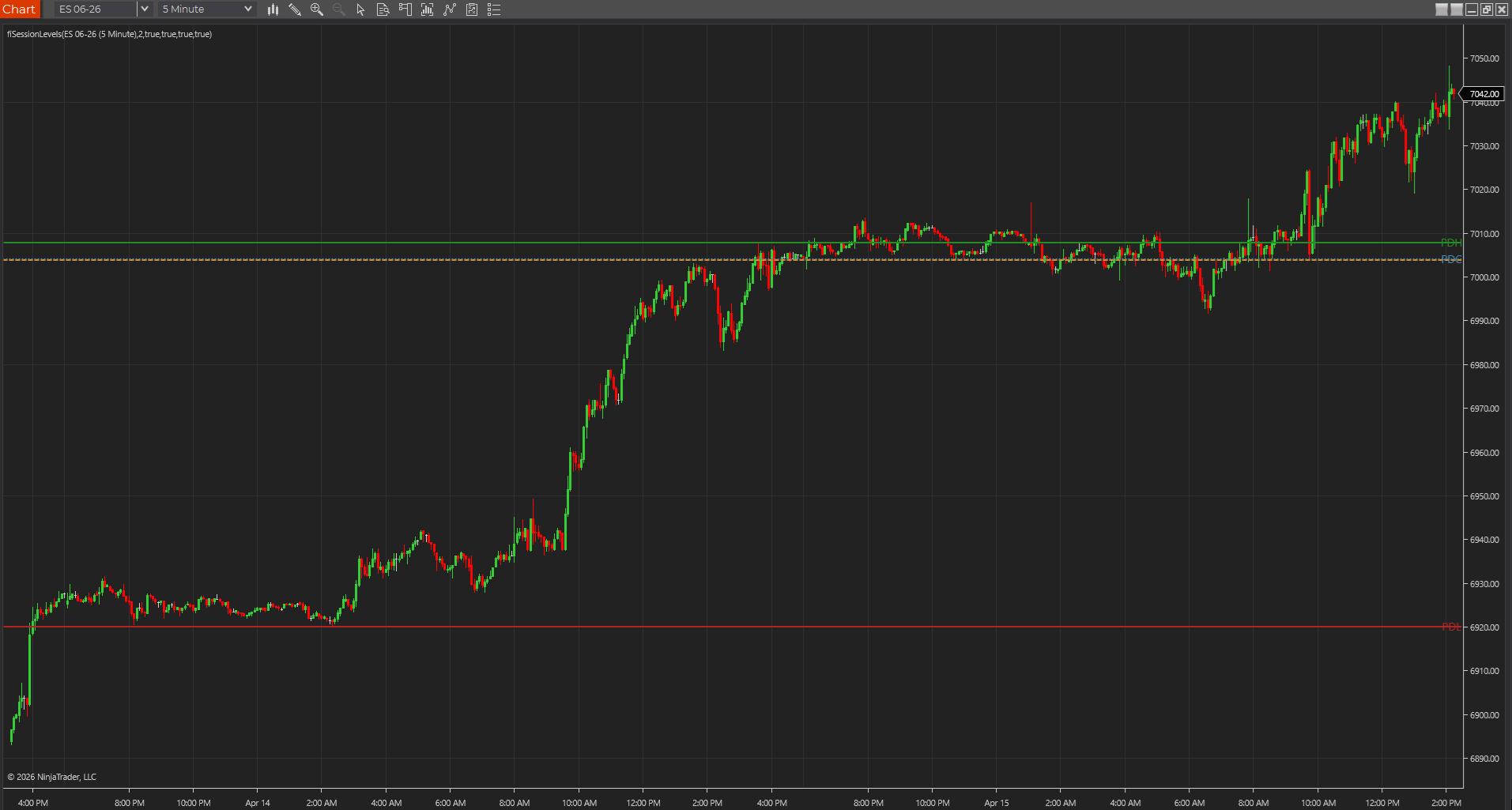
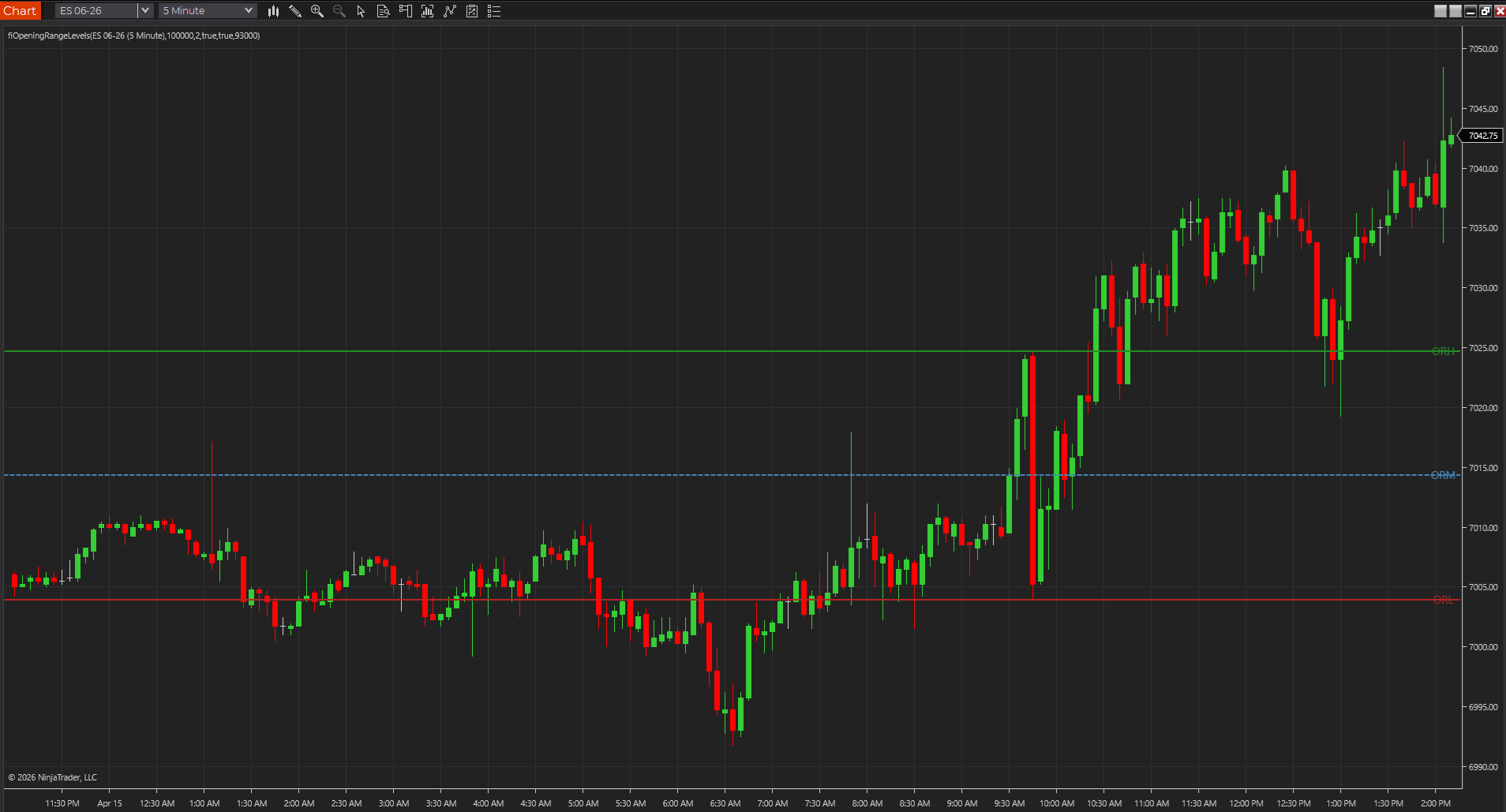
After import, add the indicator to a clean default chart before you use it inside your real layout. If the tool works there, the import itself may be fine even if your main workspace later behaves differently.
- A clean chart helps isolate template or session conflicts.
- If the tool fails on a blank chart, the package or install path is more likely the issue.
- This is the moment to capture exact error messages, not to guess.
Only promote the indicator after it passes a simple test
Once the indicator imports, loads on a clean chart, and behaves in a controlled test, then move it into your real workspace. Promotion should come after verification, not before.
- Use a small checklist: import, restart, load, test, then promote.
- If the tool changes your chart readability for the worse, it has not earned a permanent slot.
- A stable workspace is more valuable than a rushed install.
Best next reads
These pages pick up the questions most readers usually have next, so you do not have to back out and start a fresh search.
Frequently asked questions
Should I install new NinjaTrader indicators directly into my live workspace?
No. A clean workspace or controlled test environment is the safer first stop, especially if you rely on your main workspace daily.
What is the safest way to troubleshoot a bad NinjaTrader import?
Import one package at a time, use a clean chart, save the exact error text, and avoid changing several templates or custom files at once.
Why does a clean chart matter after import?
Because it helps separate package problems from template, workspace, session, or chart-environment conflicts.