Guide walkthrough
Start reading here
This is the main article body, where the page shifts from summary cards into the actual workflow and decision-making notes.
On this page
Key terms for this guide
These glossary pages cover the ideas and platform language most likely to matter as you work through this guide.
Start with jobs that survive translation
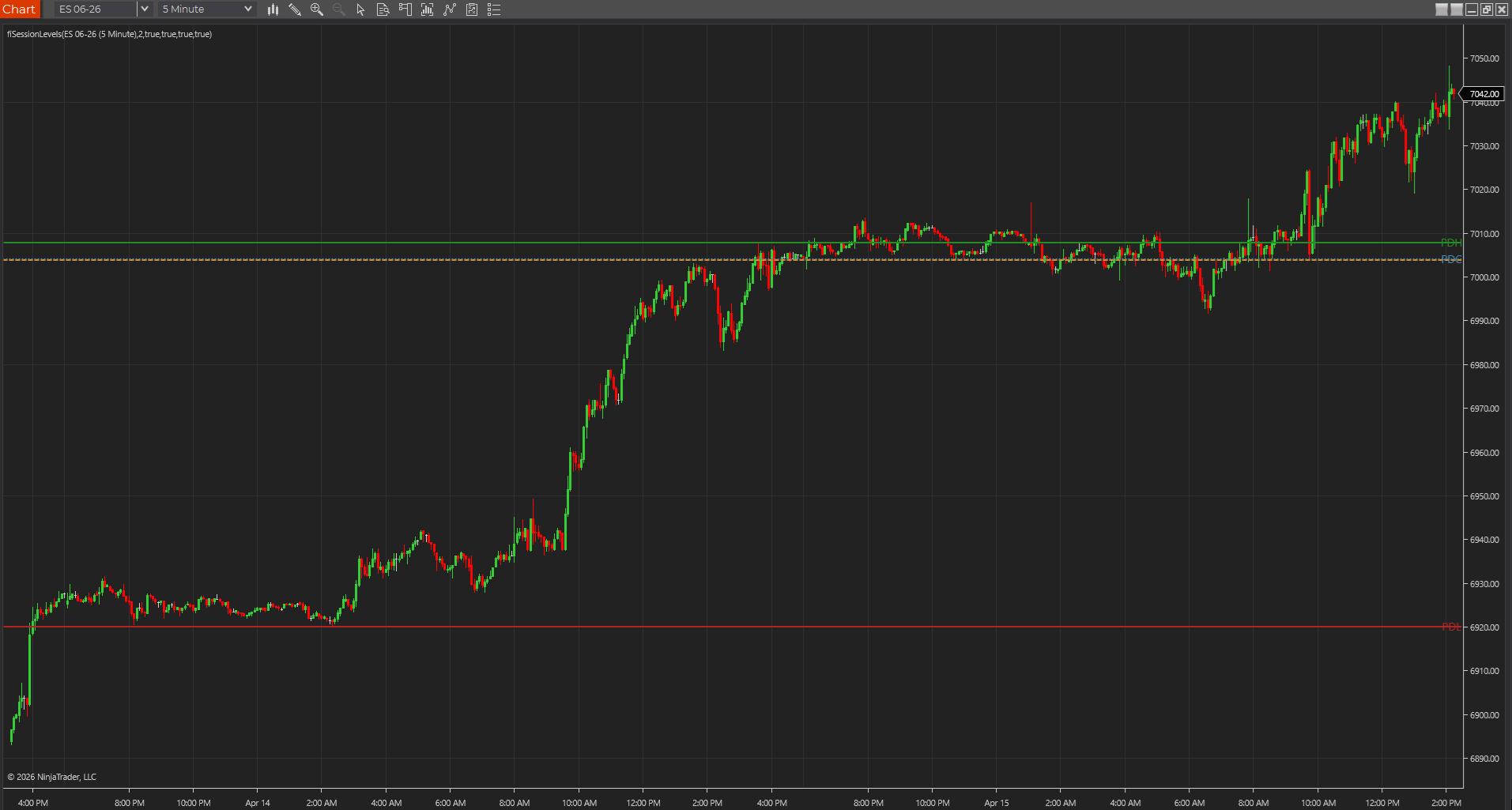
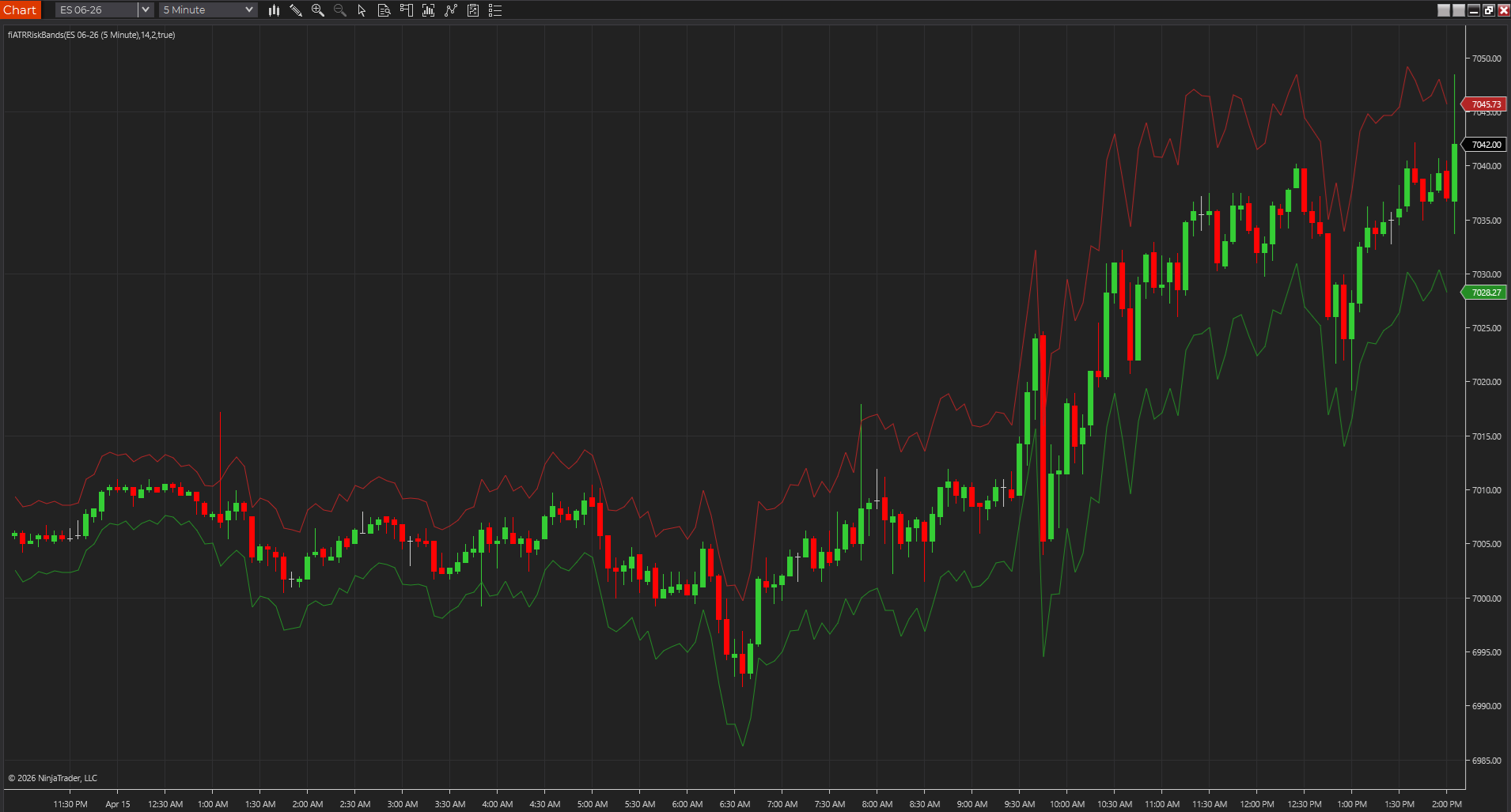
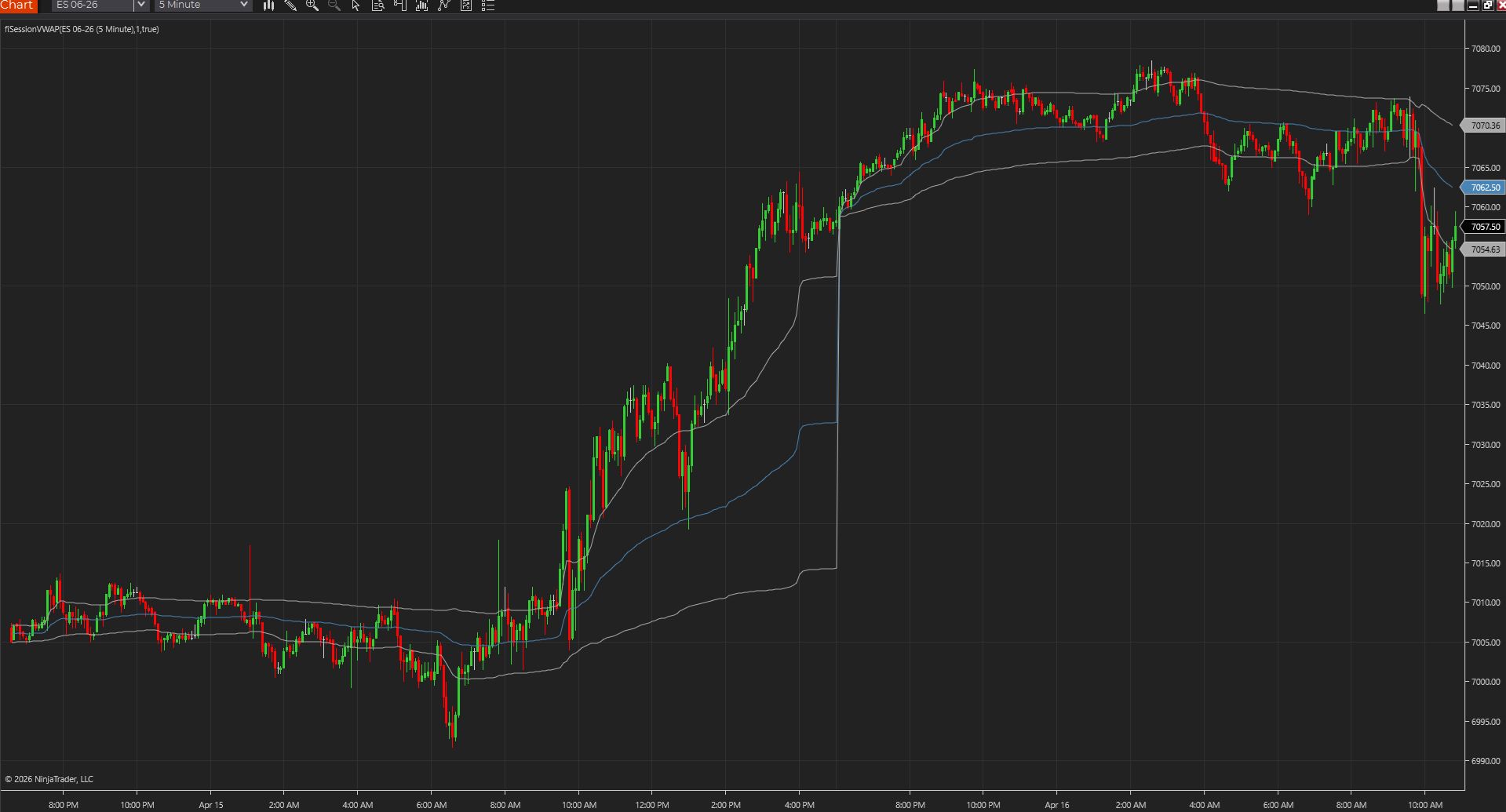
The easiest workflows to carry between platforms are usually the ones built around jobs that every environment can support cleanly: session context, key levels, and realistic risk framing. Those are less fragile than platform-specific order flow visualizations or highly customized signal stacks.
- VWAP or a session context layer travels well when the data supports it.
- Higher-time-frame or session levels are usually portable in concept even when the implementation changes.
- ATR-style risk framing is often easier to recreate than specialized entry logic.
Keep the workflow smaller than the platform feature list
A platform switch becomes much harder when the workflow depends on every special feature of the original environment. A smaller three-indicator workflow is easier to rebuild honestly because the trader can focus on preserving the decision logic instead of copying every visual detail.
- Preserve the question each tool answers before you preserve the exact look.
- Do not confuse visual fidelity with workflow fidelity.
- A portable stack should still make the same core decisions easier.
Use source-backed pages when portability matters
Source-backed indicator pages become especially valuable when the workflow may need to move. They make the logic easier to inspect, compare, and adapt, which lowers the trust burden during a platform change.
- Source-backed pages help you spot hidden assumptions sooner.
- They also make it easier to judge whether the idea is worth translating at all.
- That is one reason portable workflows benefit from simpler building blocks.
Treat portability as a workflow standard, not just a developer problem
Even traders who never touch code benefit from a workflow that can survive a platform change. It usually leads to simpler stacks, cleaner testing, and less dependence on one opaque implementation. That is part of what makes the workflow more durable over time.
- Portable logic is easier to explain and easier to challenge honestly.
- It usually creates cleaner comparisons when evaluating new tools.
- That makes portability a trust advantage, not just a technical one.
Portability improves when each tool has a plain-English job description
One easy way to tell whether a workflow will travel well is to describe each tool without platform jargon. If you can explain one layer as session context, one as key location, and one as risk framing, the workflow will usually survive translation much better than a stack defined by brand-specific features and visual tricks. Plain-English job descriptions tend to reveal which parts of the workflow are truly essential.
- Simple descriptions usually map to simpler conversions.
- Platform-specific language often hides fragile dependencies.
- That makes plain-English framing a surprisingly useful portability test.
Best next reads
These pages pick up the questions most readers usually have next, so you do not have to back out and start a fresh search.
Frequently asked questions
Which types of indicators usually travel best between platforms?
Simple session tools, level frameworks, and ATR-style risk tools usually travel better than very specialized or heavily platform-dependent signal packages.
Do I need source code for a portable workflow?
Not always, but source-backed pages make portability much easier because the logic is clearer and easier to compare across environments.
What is the biggest mistake when trying to keep a workflow portable?
Letting the workflow depend too heavily on one platform's special features or visual style. The more the stack relies on platform-specific quirks, the harder it becomes to preserve the real decision logic somewhere else.