Guide walkthrough
Start reading here
This is the main article body, where the page shifts from summary cards into the actual workflow and decision-making notes.
On this page
A useful alert starts with a stable indicator condition
TradeStation alerts only help when the condition behind them is stable enough to trust. If the EasyLanguage study is still provisional on the active bar, or if the logic depends on a loose chart setup, wrapping it in an alert just creates faster confusion.
- Alert logic should be tied to a condition you can explain clearly.
- If the indicator itself is shaky, the alert will only amplify the problem.
- A stable study condition matters more than clever notification wording.
Decide whether the alert belongs intrabar or on close
A lot of bad TradeStation alerts come from mixing bar-close logic with intrabar expectations. If the indicator is meant to confirm at bar close, alerting earlier creates false urgency. If it is meant to fire during the bar, the trader needs to know it can change before the bar settles.
- Choose the timing model before you write or enable the alert.
- Make the alert behavior match the way the indicator is actually designed to behave.
- This is one of the biggest trust issues in platform alerts.
Test alert noise on a plain chart first
Before a new TradeStation alert becomes part of your workflow, run it on one clean chart and watch how often it fires. Good alerts usually feel specific and explainable. Bad alerts fire often enough that the trader starts ignoring them.
- Watch frequency, timing, and whether the alerts cluster in the wrong places.
- Check whether the alert condition aligns with the plotted study output on the chart.
- An alert should sharpen attention, not train you to dismiss it.
Keep the alert tied to chart context
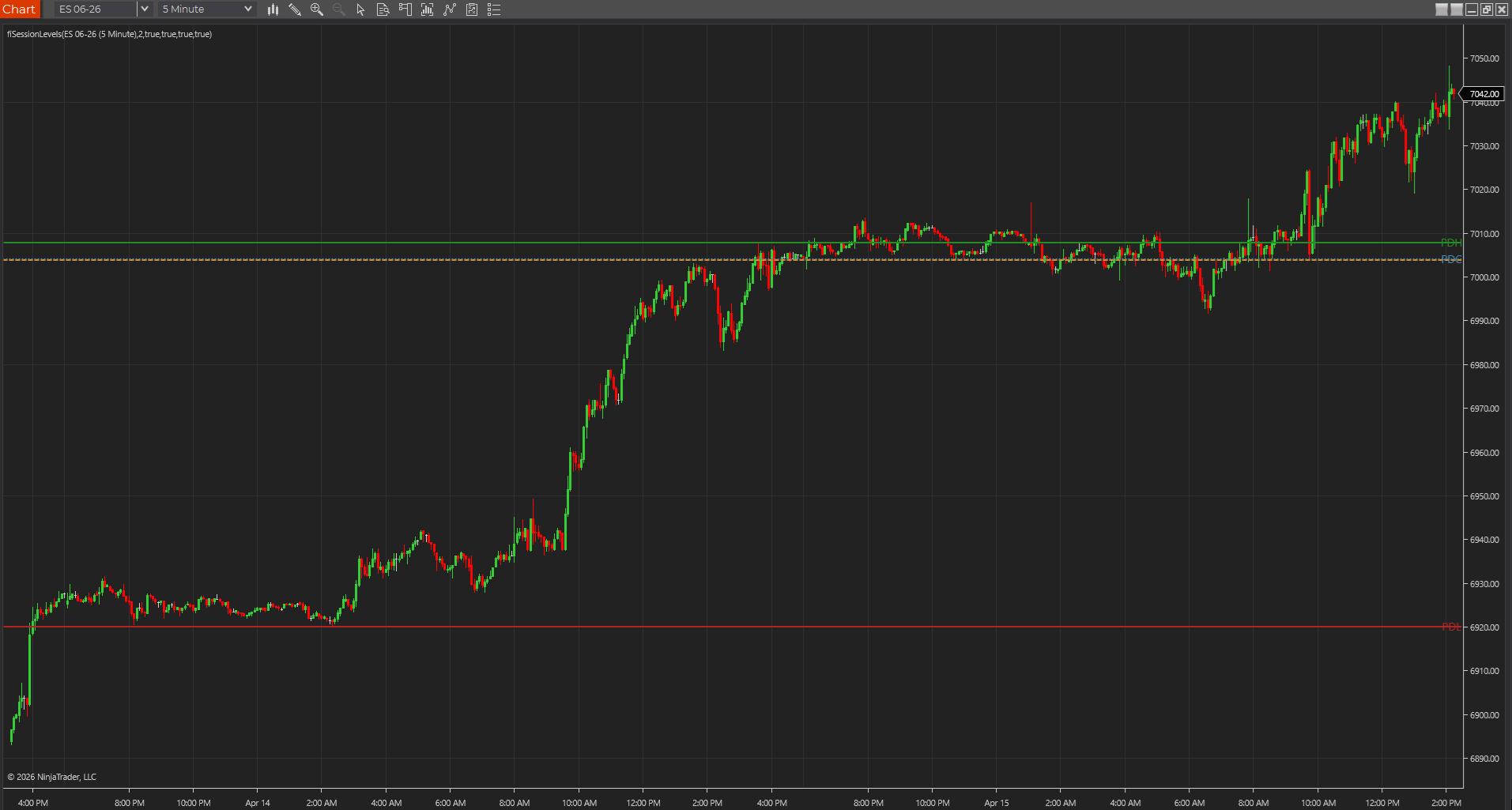
The strongest TradeStation alerts usually happen near obvious chart location such as prior-session levels, opening range edges, or confirmed structure. The alert itself should not replace context. It should highlight when the existing context becomes actionable.
- A context-free alert is often just another distraction.
- Location is what gives many indicator alerts meaning.
- That is how the alert stays part of a workflow instead of becoming a substitute for one.
The best EasyLanguage alerts reduce decision load instead of adding it
An alert should make the next check easier, not create a new interpretation problem. If the notification leaves you wondering what chart state it really represents, the condition is still too vague. Useful TradeStation alerts help you focus faster because the underlying study logic is already disciplined and specific.
- A strong alert should point to a clear next glance, not a fresh debate.
- Vague conditions usually become noisy or ignorable once the session gets busy.
- Specificity is what keeps an alert helpful under pressure.
Best next reads
These pages pick up the questions most readers usually have next, so you do not have to back out and start a fresh search.
Frequently asked questions
Should a TradeStation alert fire before bar close?
Only if the indicator logic is intentionally intrabar and you are comfortable with the condition changing before the bar settles. Otherwise, bar-close confirmation is usually the cleaner choice.
How do I know if an indicator alert is too noisy?
Run it on a clean chart and see whether each alert still makes sense in context. If alerts start feeling frequent, vague, or easy to ignore, the logic probably needs tightening.
What makes an EasyLanguage alert actually usable during a live session?
It should point to a stable condition, fire at the expected time, and connect to obvious chart context. If the alert creates more interpretation work instead of less, it still needs refinement.