Guide walkthrough
Start reading here
This is the main article body, where the page shifts from summary cards into the actual workflow and decision-making notes.
On this page
Start with the studies that answer futures-specific questions
TradeStation gets messy fast when a futures chart is loaded with generic studies that all hint at momentum but none explain location. The better TradeStation stack starts with the tools that answer where price is trading, what the opening auction is doing, and whether the current volatility is still tradeable.
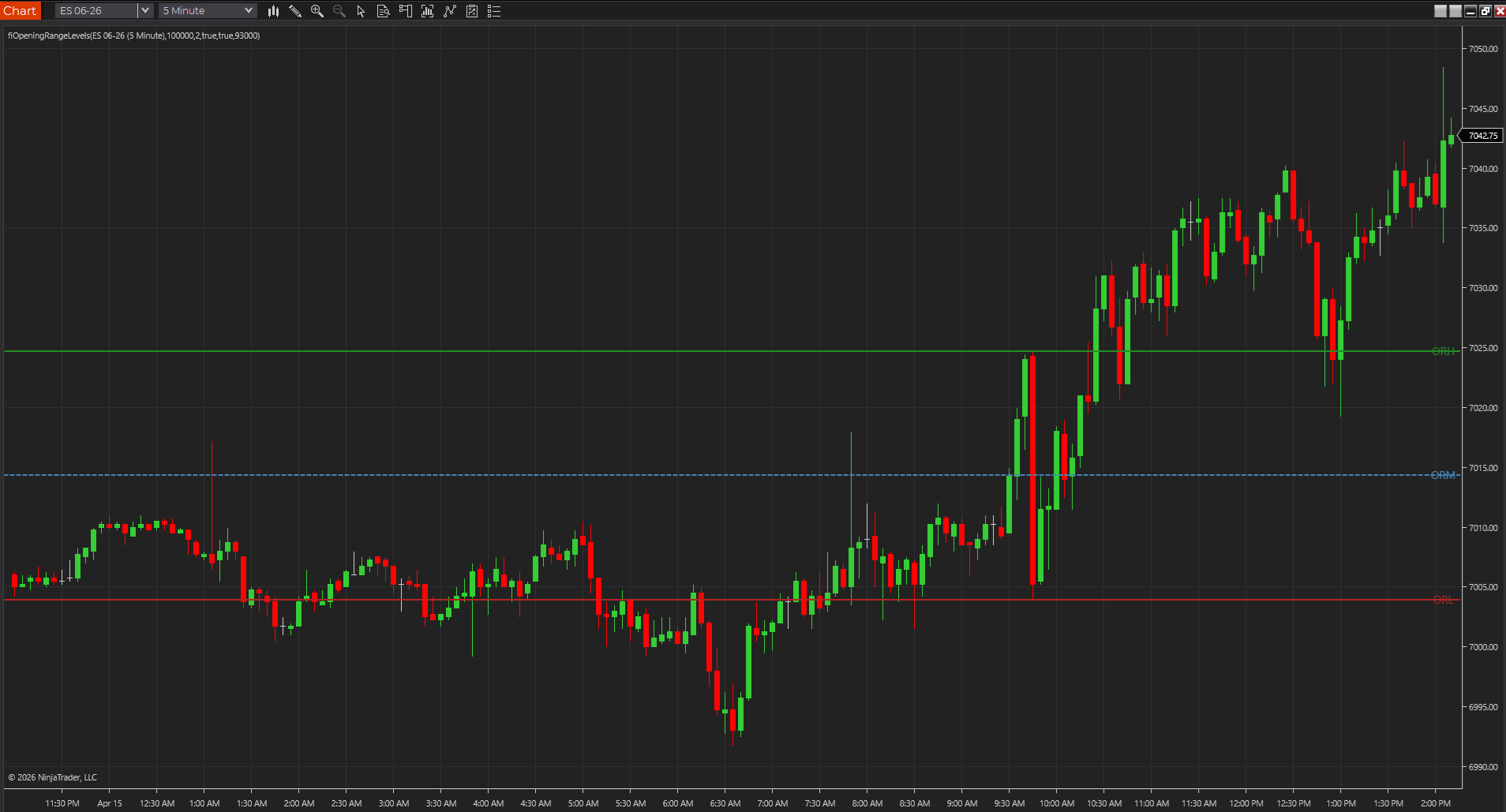
- Opening range tools help when the first expansion is a real part of the plan.
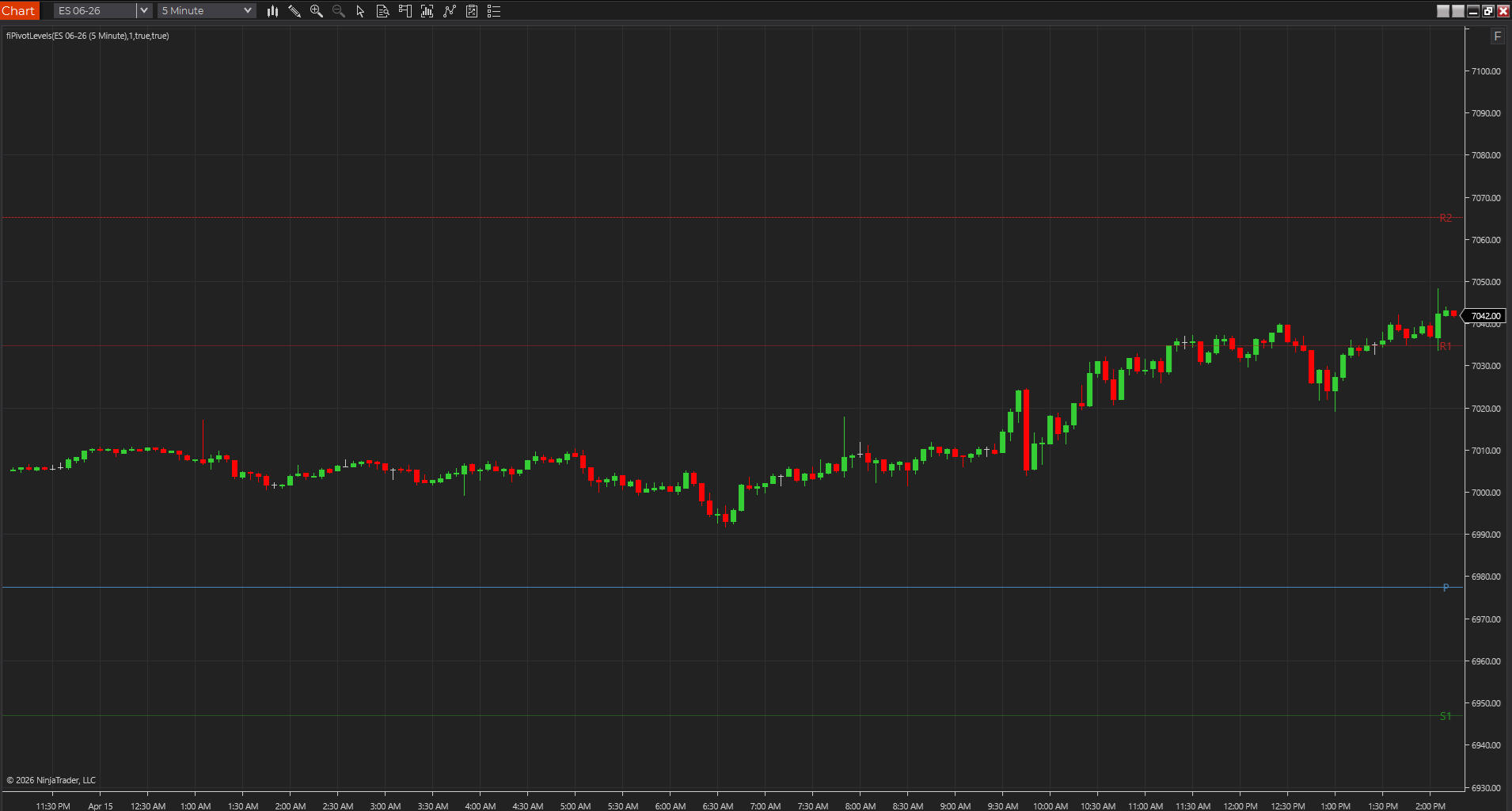
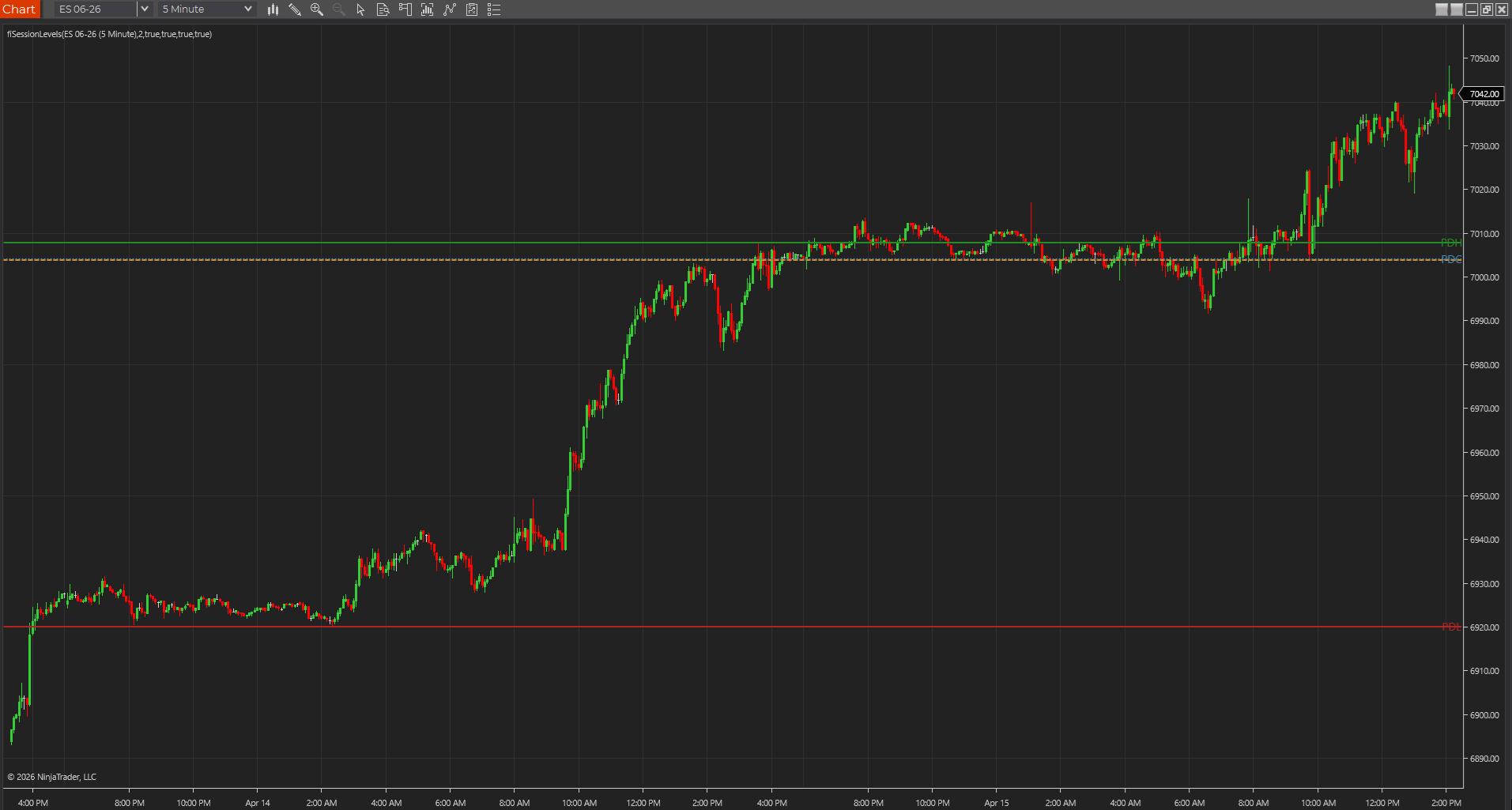
- Session levels and pivots help you anchor the chart to prices that actually matter before the next bar prints.
- ATR and trend-strength tools are there to frame risk and persistence, not to replace the location read.
TradeStation rewards clean session logic more than indicator quantity
On TradeStation, the quality of the session assumptions usually matters more than adding a fifth overlay. Futures studies that key off the open, prior high and low, or intraday range all depend on the chart session being right. If the session template is wrong, the indicator can look polished and still be lying to you.
- Check whether the chart is using the exact session you trade, not just a default symbol setup.
- Opening-range and prior-session tools are usually the first studies to expose a bad session definition.
- That is why TradeStation users should trust a smaller, cleaner stack before chasing more signals.
The best TradeStation indicators usually behave like analysis techniques, not magic boxes
The stronger EasyLanguage indicators on futures charts tend to act like honest analysis techniques. They expose inputs clearly, verify cleanly, and make sense when you step through the chart bar by bar. That matters more than whether they look flashy in a screenshot.
- If you cannot explain what the study is measuring, it probably does not deserve permanent chart space.
- Clean TradeStation studies tend to reveal their assumptions through inputs, plots, and normal chart behavior.
- That makes the platform easier to work with over time.
A four-study TradeStation stack is usually enough
For many futures traders, a sensible TradeStation workflow starts with one level study, one opening or structure study, one participation or trend-strength study, and one volatility/risk frame. After that point, more studies usually create overlap instead of clarity.
- Session Levels or Classic Pivots handle location.
- Opening Range or structure labels handle the session narrative.
- Trend Day Strength or Bar Speed can help with persistence and tempo.
- ATR-based tools help prevent the chart read from drifting away from realistic stop distance.
TradeStation usually works best when the chart feels like a working tool, not a library shelf
One of the easiest ways to weaken a TradeStation futures workspace is to keep importing studies because they verify cleanly, not because they improve the chart. The stronger platform experience usually comes from a smaller set of EasyLanguage tools that each earn their space through repeated use. When the workspace feels more like a collection than a process, the chart quality usually drops fast.
- Easy importing and verifying can tempt traders into keeping too many studies.
- A smaller TradeStation stack usually makes session logic easier to trust.
- The platform feels strongest when every remaining study has an obvious job.
Use this first when the EasyLanguage route is still viable
This guide is the better first read when the trader already knows TradeStation is a real candidate and wants the strongest futures-specific indicator workflow inside that environment. If the bigger question is still broader charting software or platform fit, use the comparison guides before going deeper into TradeStation-specific setup decisions.
- Use this page when TradeStation is already in the conversation.
- Use the charting-software guide when the real question is broader than TradeStation alone.
- Use the install and clean-chart guides once the first shortlist is clear.
Best next reads
These pages pick up the questions most readers usually have next, so you do not have to back out and start a fresh search.
Frequently asked questions
Which TradeStation indicators matter most for futures charts?
Usually the ones that solve location, opening structure, participation, and volatility first. Session-based levels, pivots, opening-range tools, and realistic risk overlays usually matter more than decorative extras.
Why can a TradeStation indicator look wrong even when it compiles?
Because compile success does not confirm the chart session, symbol settings, MaxBarsBack behavior, or any Data2 assumptions. Futures indicators often fail in those areas before they fail in syntax.
How many TradeStation indicators should a futures trader start with?
Usually only a handful. One location tool, one opening or structure tool, one participation or persistence layer, and one realistic risk frame is enough for many futures workflows.