Guide walkthrough
Start reading here
This is the main article body, where the page shifts from summary cards into the actual workflow and decision-making notes.
On this page
MultiCharts shines when the studies fit the actual chart workflow
MultiCharts is at its best when the indicator stack respects the way the chart is being used. Futures traders usually get more value from studies that organize session structure, breakouts, and volatility than from a long list of overlapping momentum ideas pasted into the workspace just because PowerLanguage made them easy to compile.
- Session and opening studies usually deserve priority because they frame the whole day.
- Breakout and structure tools make more sense when the chart already has clean location context.
- Risk overlays should keep the setup honest instead of turning into another opinion line.
PowerLanguage similarity does not remove the need for platform discipline
A lot of MultiCharts traders use EasyLanguage-like scripts and assume that means almost anything will behave cleanly. The language similarity helps, but the chart still needs correct sessions, data mapping, and recalculation behavior. The best studies are the ones that survive those checks without drama.
- A clean compile in PowerLanguage Editor is only the first checkpoint.
- The study still has to behave correctly on the actual futures symbol, bar type, and session.
- That is why a smaller list of trustworthy studies beats a giant imported pile.
Futures traders usually need four jobs solved first
Most MultiCharts futures work gets cleaner when the first studies solve location, opening behavior, persistence, and volatility. Once those jobs are handled, everything else becomes easier to evaluate because the chart already has a structure.
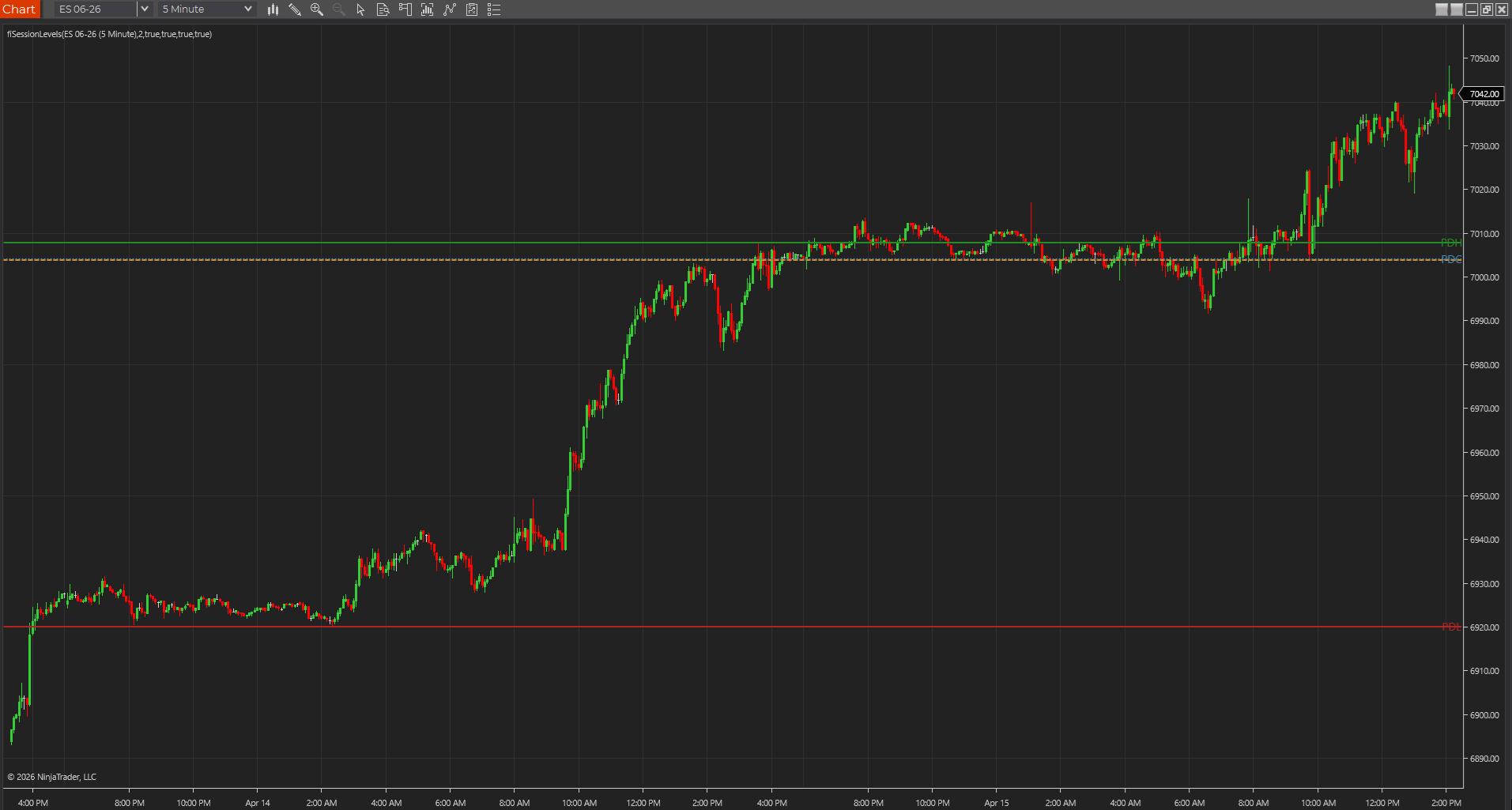
- Session Levels or higher references solve location.
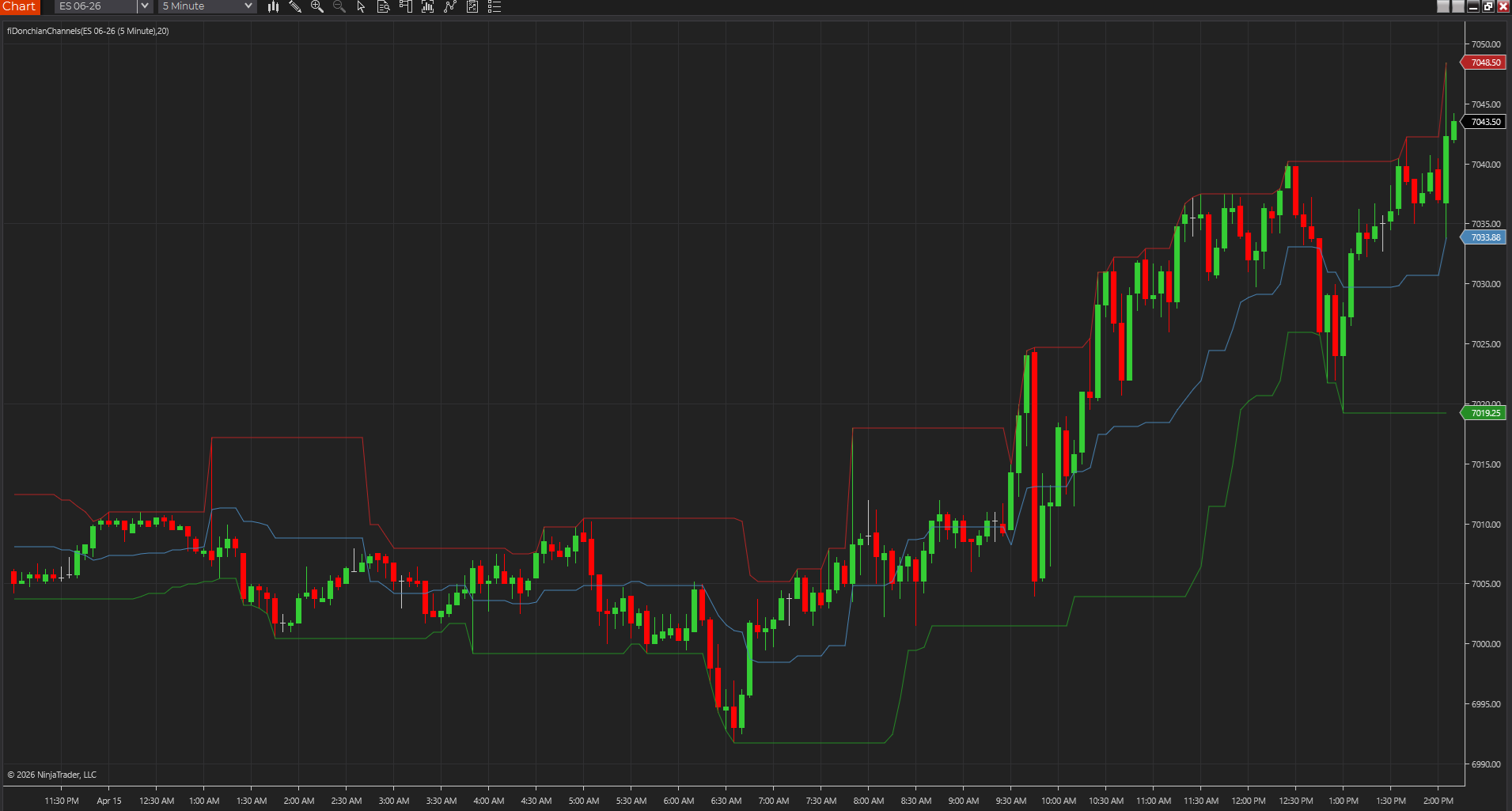
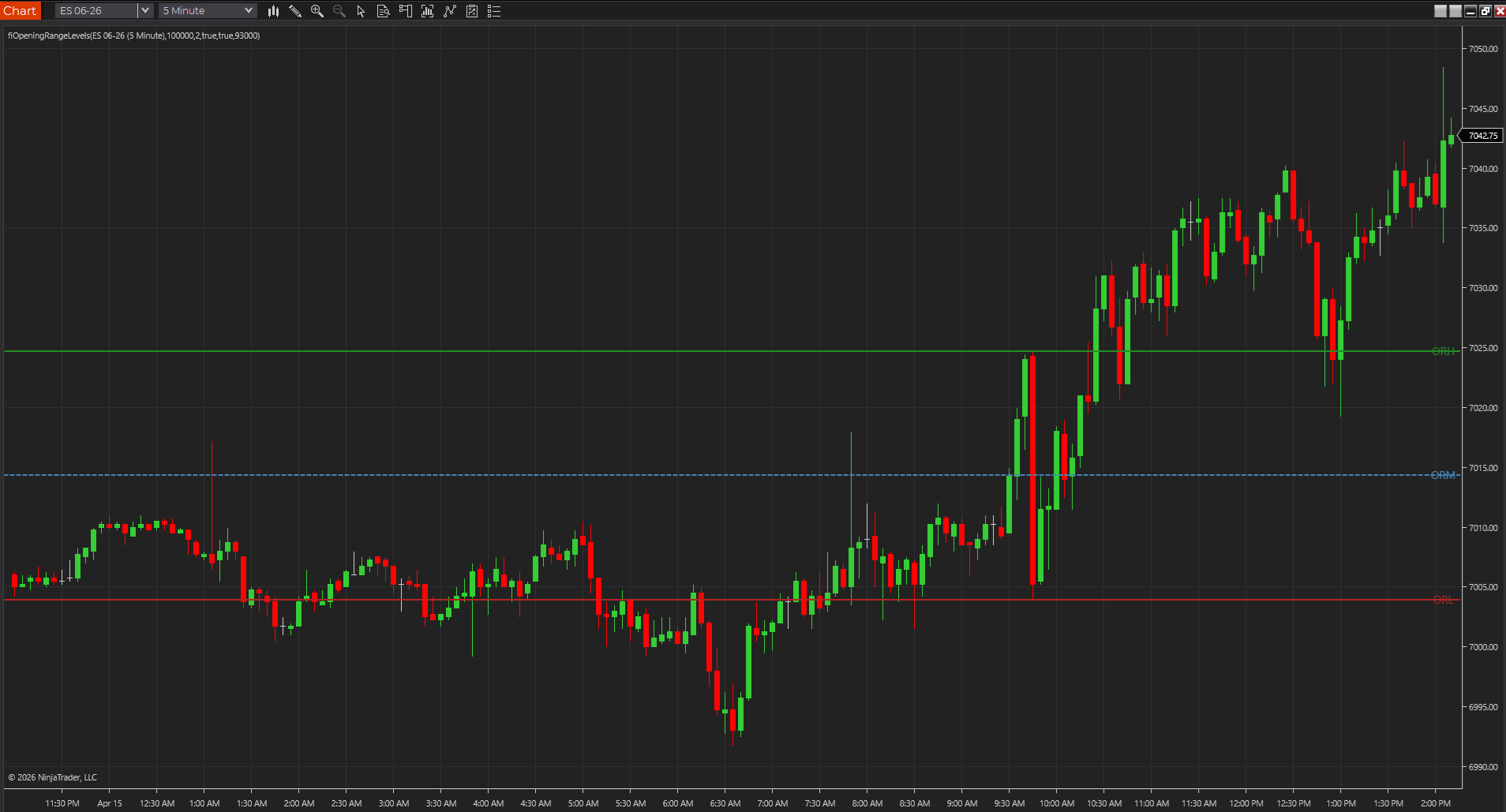
- Opening Range or Donchian studies solve early expansion framing.
- Trend-strength or participation tools solve persistence.
- ATR-style studies solve realistic risk framing.
The right MultiCharts indicator should still make sense after a recalculation
One of the easiest ways to lose trust in a study is to rely on a screenshot instead of forcing the platform to calculate it honestly. If a futures indicator looks strong until the workspace refreshes or the chart settings change, it was never a strong candidate in the first place.
- Use a plain chart first instead of a heavily templated workspace.
- Confirm the plots, pane placement, and defaults after a recalc.
- If the study stops making sense after that, it is not really helping.
MultiCharts rewards traders who stay stricter than the platform invites them to be
Because PowerLanguage makes it relatively easy to bring in more studies, MultiCharts can quietly turn into a place where traders keep adding tools without tightening standards. The better outcome is usually the opposite. The platform feels strongest when you stay strict about session logic, recalculation honesty, and whether each study still improves the futures read after the novelty wears off.
- Easy portability can create clutter if the standards are too loose.
- Strict testing habits make MultiCharts feel more reliable over time.
- The best studies survive ordinary use, not just first impressions.
Use this first when the search starts with session functions or PowerLanguage examples
This guide becomes the right first page when the search intent is already close to MultiCharts, PowerLanguage, or session-function behavior rather than to a broad platform comparison. It narrows the toolset around opening levels, highs, lows, recalculation honesty, and session logic before the workflow gets noisy.
- Use this page when the query is already MultiCharts-specific.
- Open the session-function documentation guide when the syntax or reset logic is the main pain point.
- Open the charting-software guide when the broader platform choice is still open.
Best next reads
These pages pick up the questions most readers usually have next, so you do not have to back out and start a fresh search.
Frequently asked questions
What makes a good MultiCharts indicator for futures traders?
It should solve a specific chart job cleanly, compile without drama, and still behave honestly after recalculation on the actual session and symbol you trade.
Why do some PowerLanguage studies feel fine at first and then disappoint later?
Because first impressions often come from screenshots or lucky chart conditions. The better studies are the ones that stay reliable after recalculation, session checks, and ordinary workspace use.
What should a MultiCharts futures trader solve first with indicators?
Usually location, opening behavior, persistence, and realistic risk framing. Once those jobs are handled cleanly, it becomes much easier to judge whether any additional study is genuinely improving the chart.