Guide walkthrough
Start reading here
This is the main article body, where the page shifts from summary cards into the actual workflow and decision-making notes.
On this page
Scalping in MultiCharts needs pace and location first
MultiCharts scalping gets cluttered quickly when the chart is built from broad swing tools instead of immediate decision aids. For short-horizon trading, the most useful studies are usually the ones that tell you where price is relative to nearby structure and whether the tape is actually speeding up.
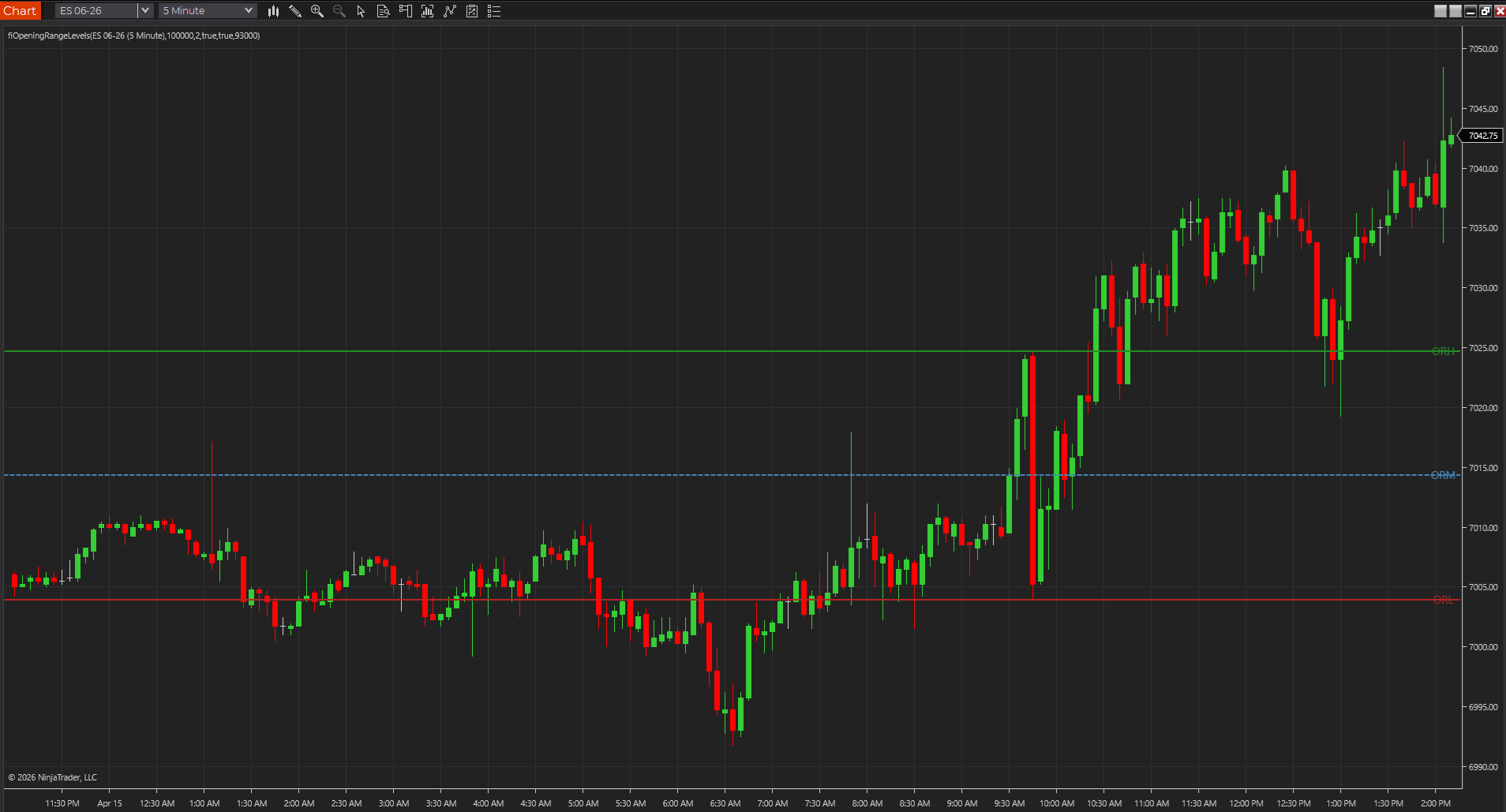
- Opening range and nearby session references help anchor the short-term read.
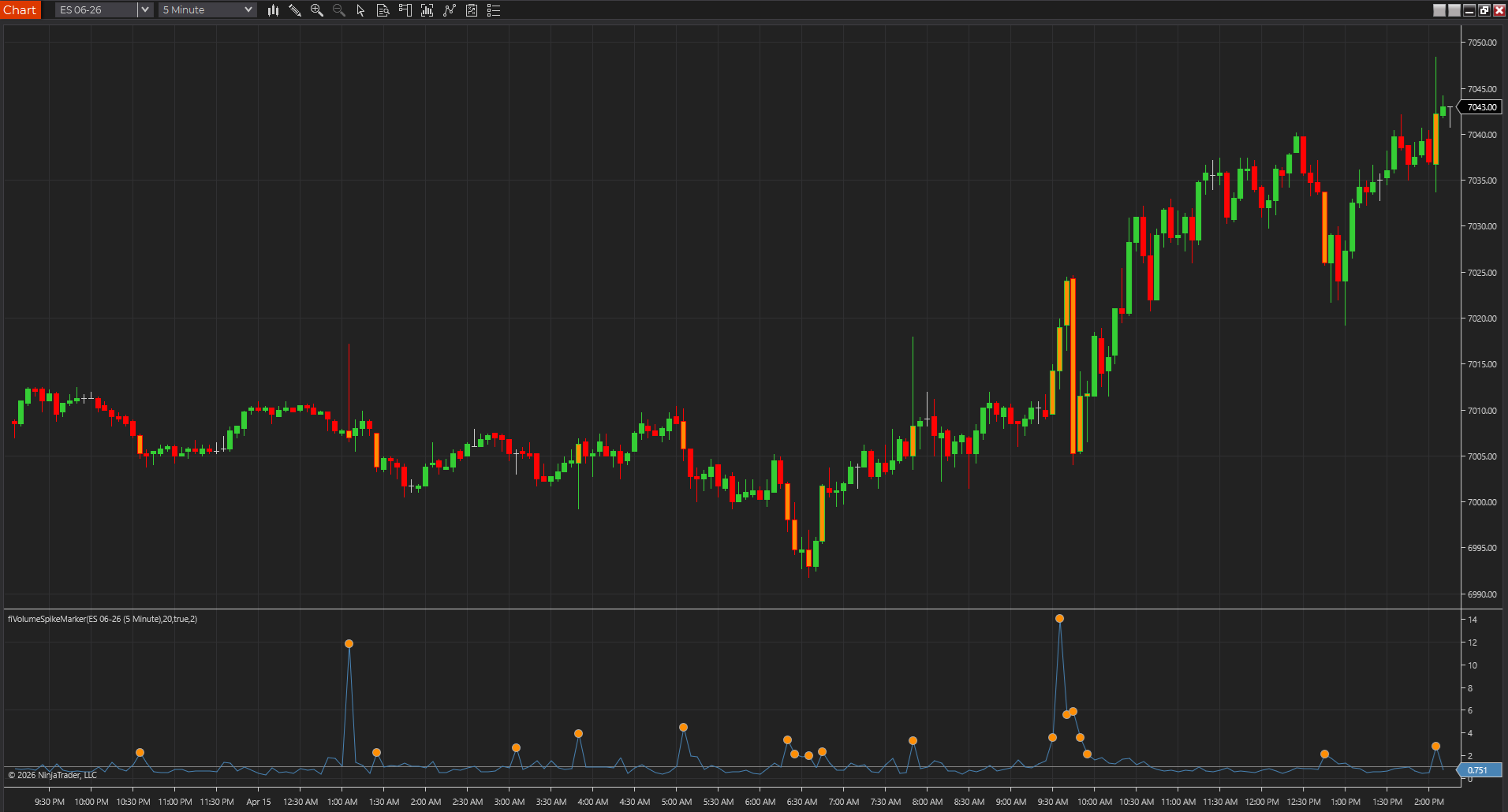
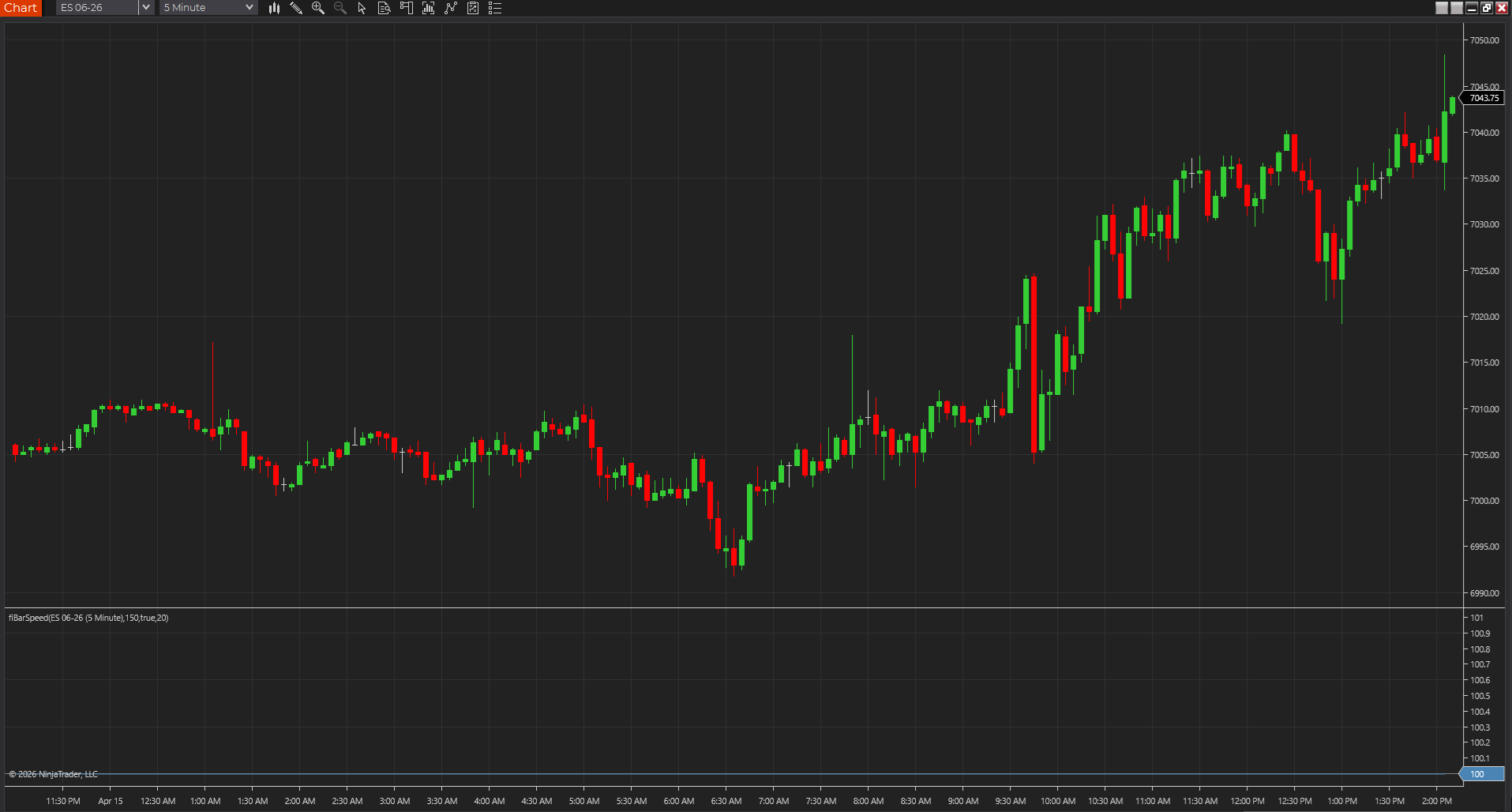
- Tempo and participation tools help separate real urgency from random movement.
- That combination matters more than a stack of lagging overlays.
Range, tick, and time charts change what a good scalping tool feels like
A PowerLanguage study that feels sharp on a range chart can feel late or noisy on a time chart. MultiCharts rewards matching the indicator to the bar type you actually trade instead of assuming the same settings will feel equally good everywhere.
- Tempo tools often feel very different across chart types.
- Breakout and structure tools should be judged on the exact chart you scalp.
- That is why bar-type testing belongs inside the selection process.
Small alert logic beats broad visual clutter
Scalpers usually benefit more from one or two disciplined alert conditions than from five studies shouting at once. In MultiCharts, that means using indicators whose visual logic is already clean enough to become alerts without turning every minor wiggle into a signal.
- If the plotted study is noisy, the alert derived from it will be worse.
- Fewer, more context-aware triggers usually work better in a fast market.
- The chart should still be readable without the alert.
A good scalping stack should still make sense after recalculation
If the setup only looked good before the workspace refreshed, it was never a strong scalping stack. In MultiCharts, scalping tools need to survive recalculation, ordinary chart updates, and short-horizon review without changing the story after the fact.
- Recalc honesty matters more in scalping because the time horizon is so short.
- Force a clean chart check before you promote a study into the routine.
- Trust comes from repeatability, not a single clean screenshot.
Good scalping studies should shorten decisions, not decorate them
The best MultiCharts scalping indicators earn their place by making the next decision faster and cleaner. If a study adds visual interest but still leaves you hesitating over every fast move, it is not really helping. In a short-horizon workflow, usefulness usually feels simple and immediate.
- A strong scalping study should make the next glance more decisive.
- Extra decoration is rarely the same thing as better execution support.
- Short-horizon tools have to justify themselves quickly.
Best next reads
These pages pick up the questions most readers usually have next, so you do not have to back out and start a fresh search.
Frequently asked questions
What makes a good MultiCharts scalping indicator?
It should help with nearby location, tempo, or short-term structure without slowing the chart down or becoming less trustworthy after recalculation.
Should scalpers use lots of indicators in MultiCharts?
Usually no. A few fast, context-aware studies generally work better than a crowded chart full of overlapping tools.
What is a warning sign that a MultiCharts scalping stack is too heavy?
If the chart looks busy but your decisions are not getting faster, the stack is probably too heavy. Scalping tools should reduce hesitation, not create more of it.