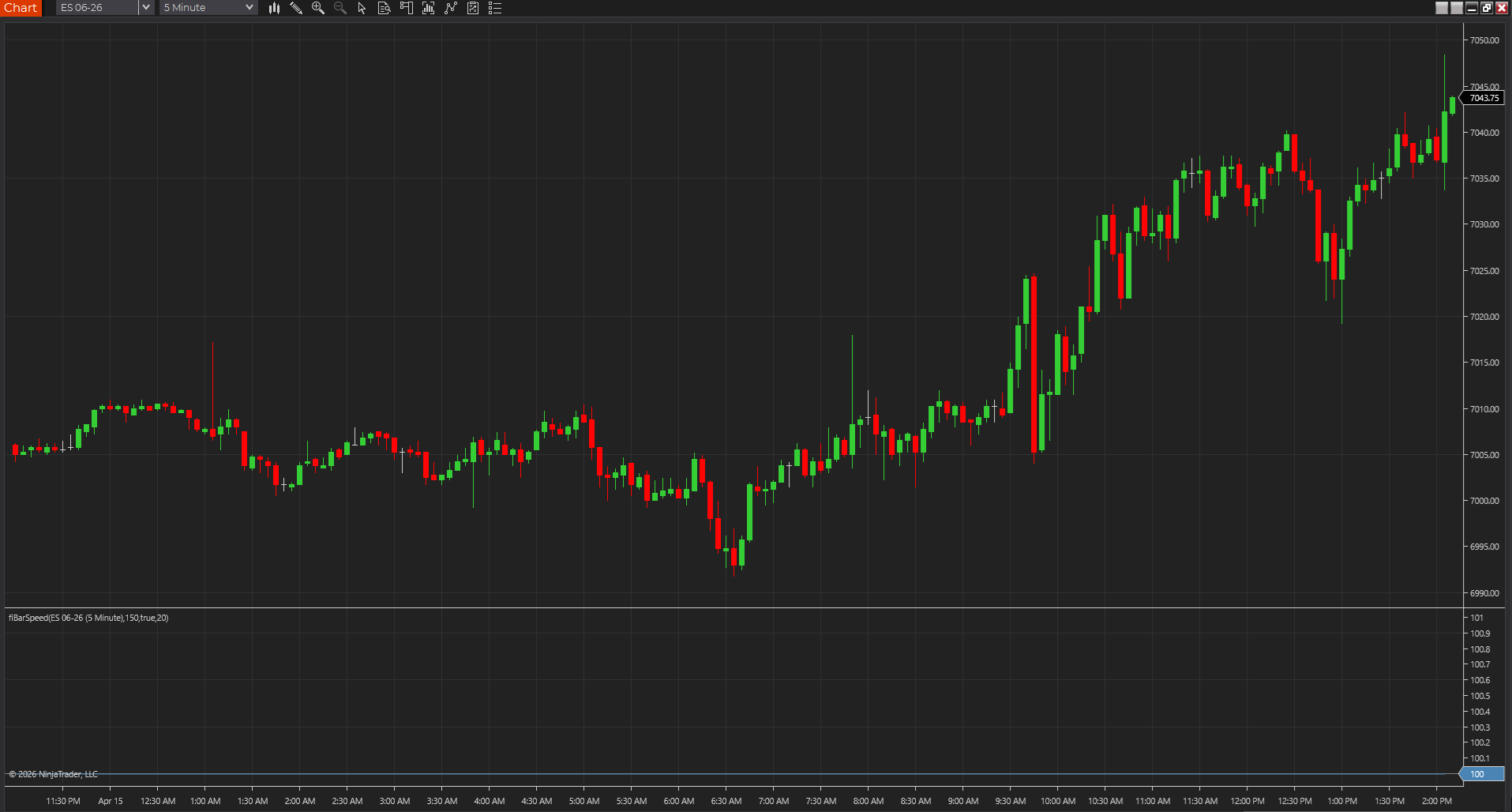
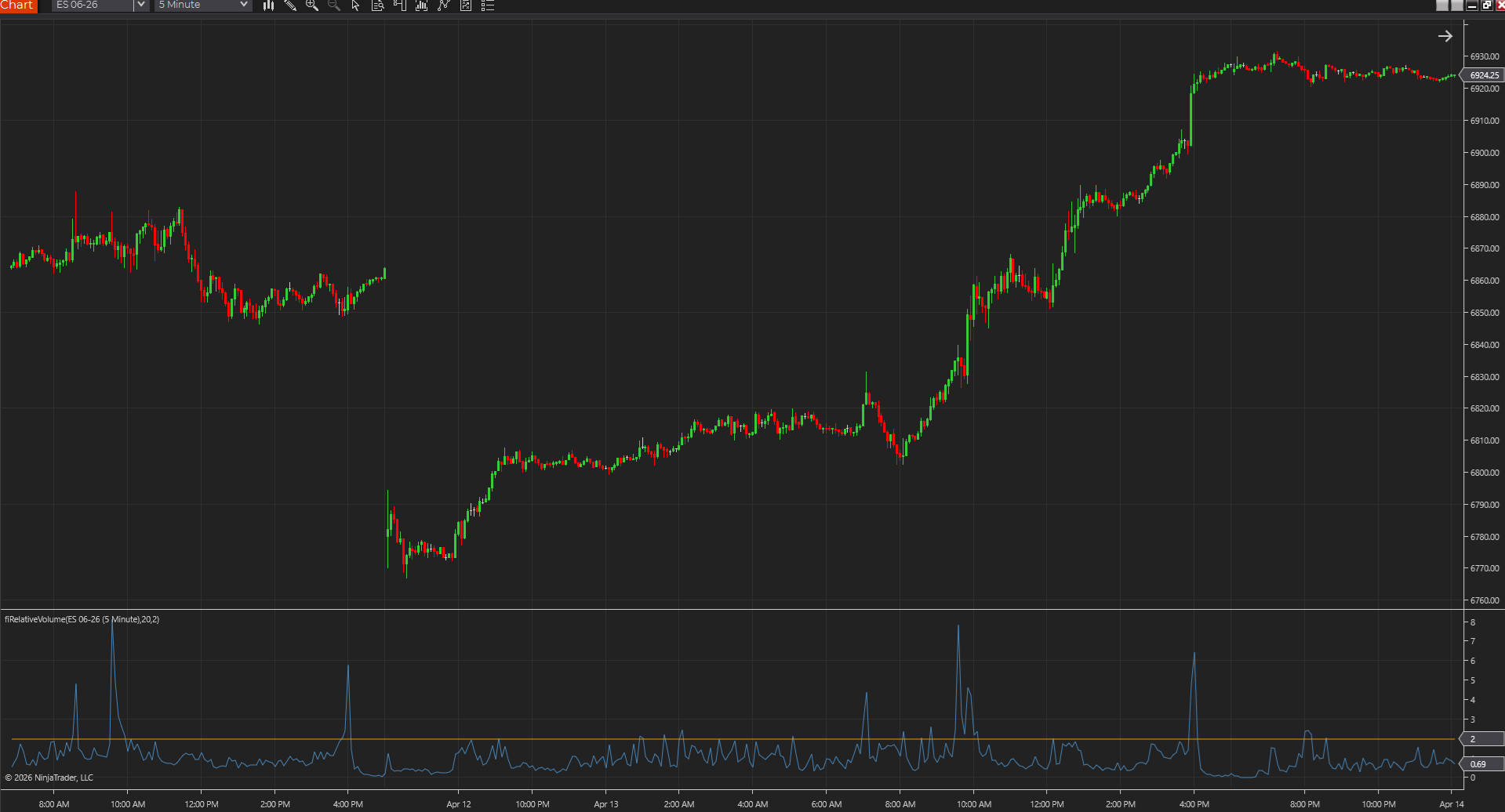
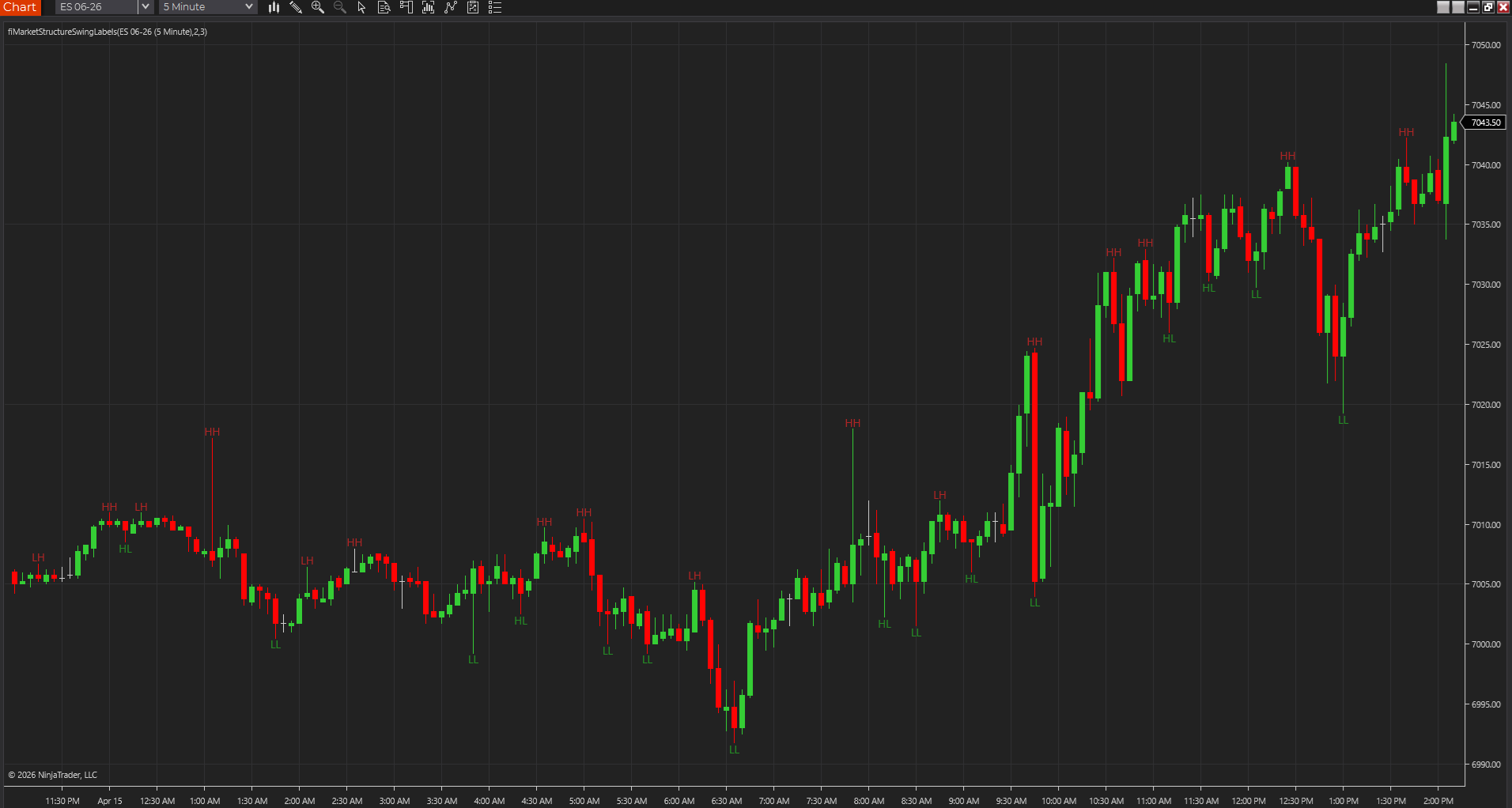
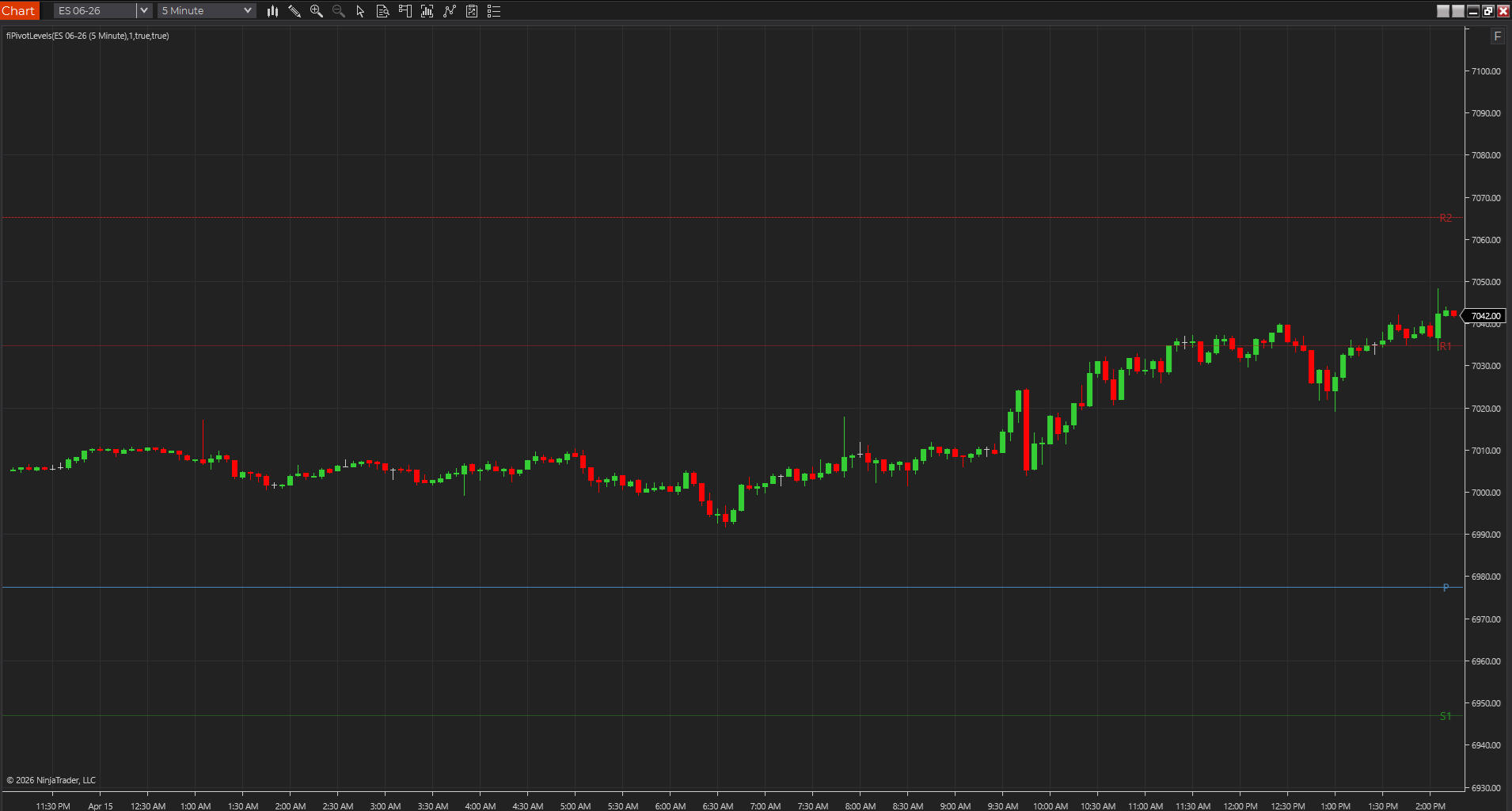
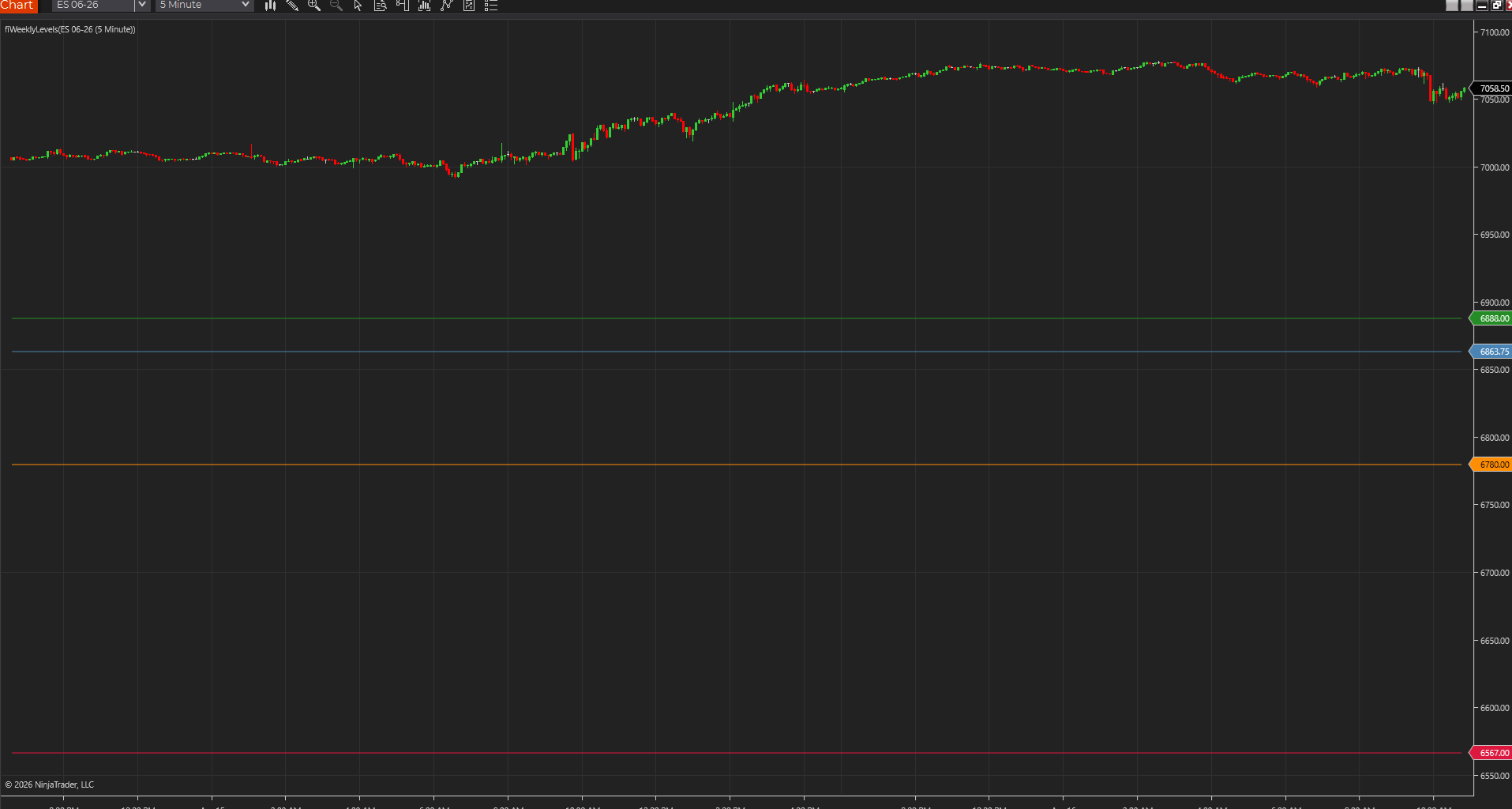
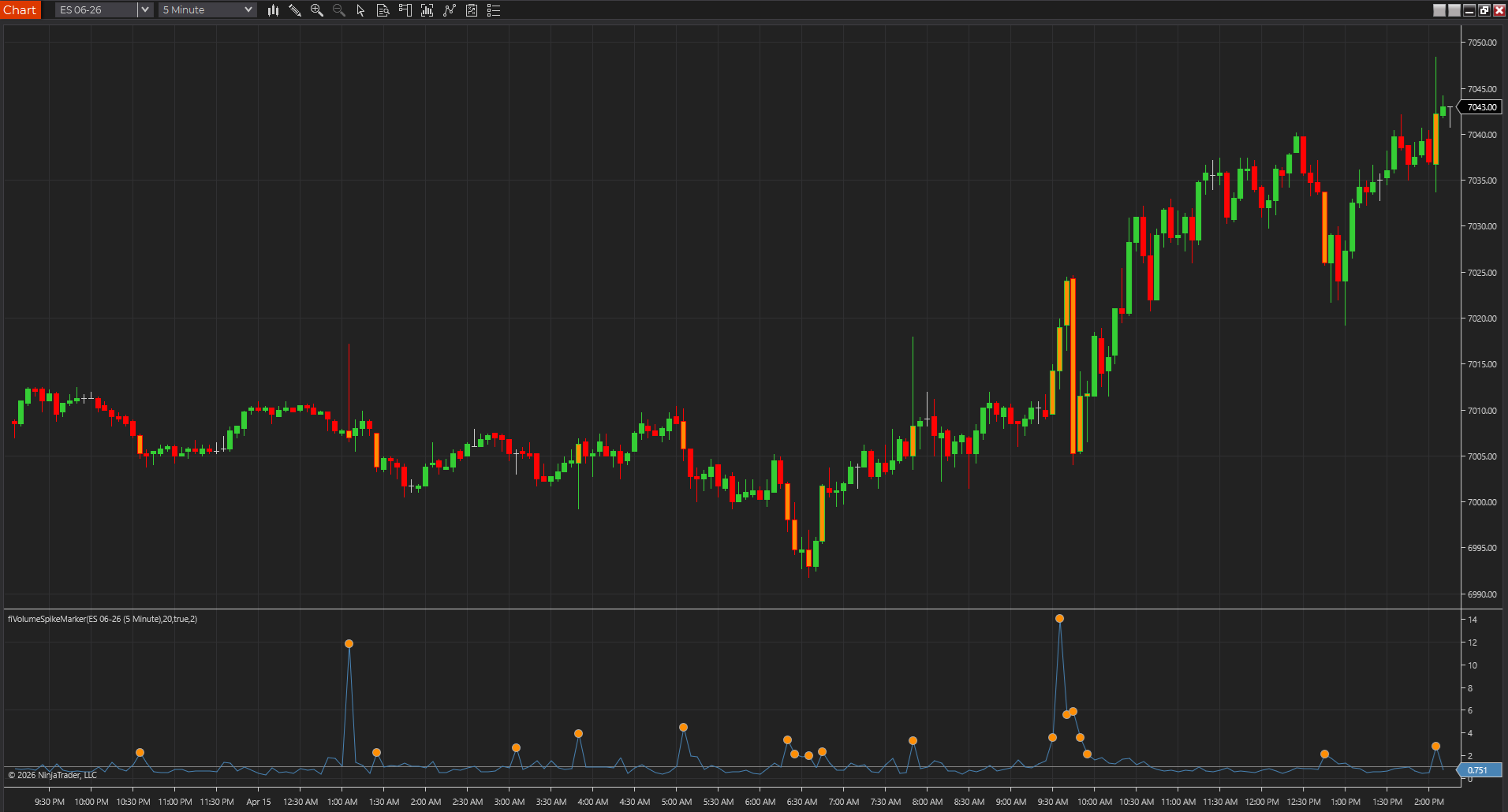
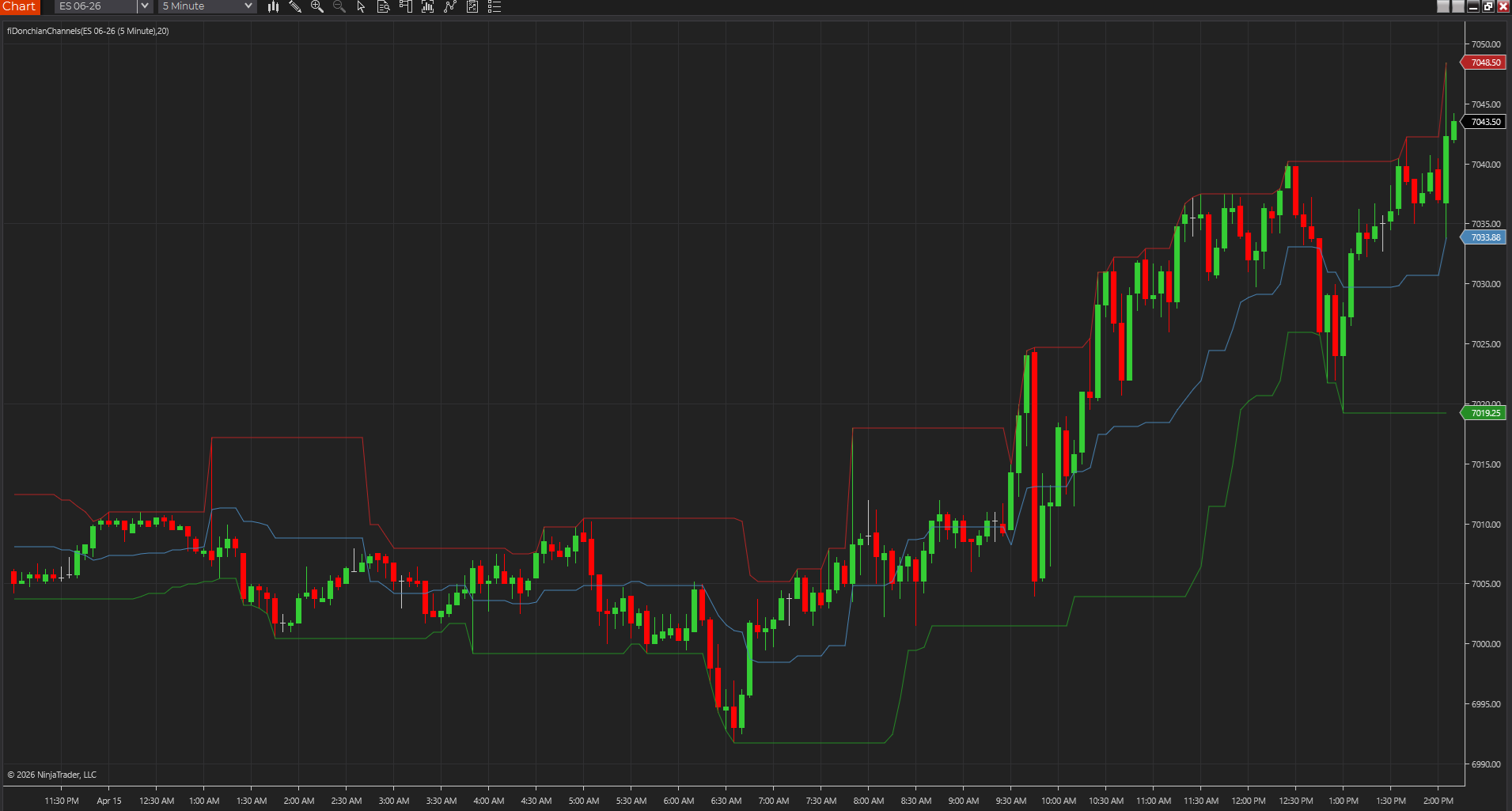
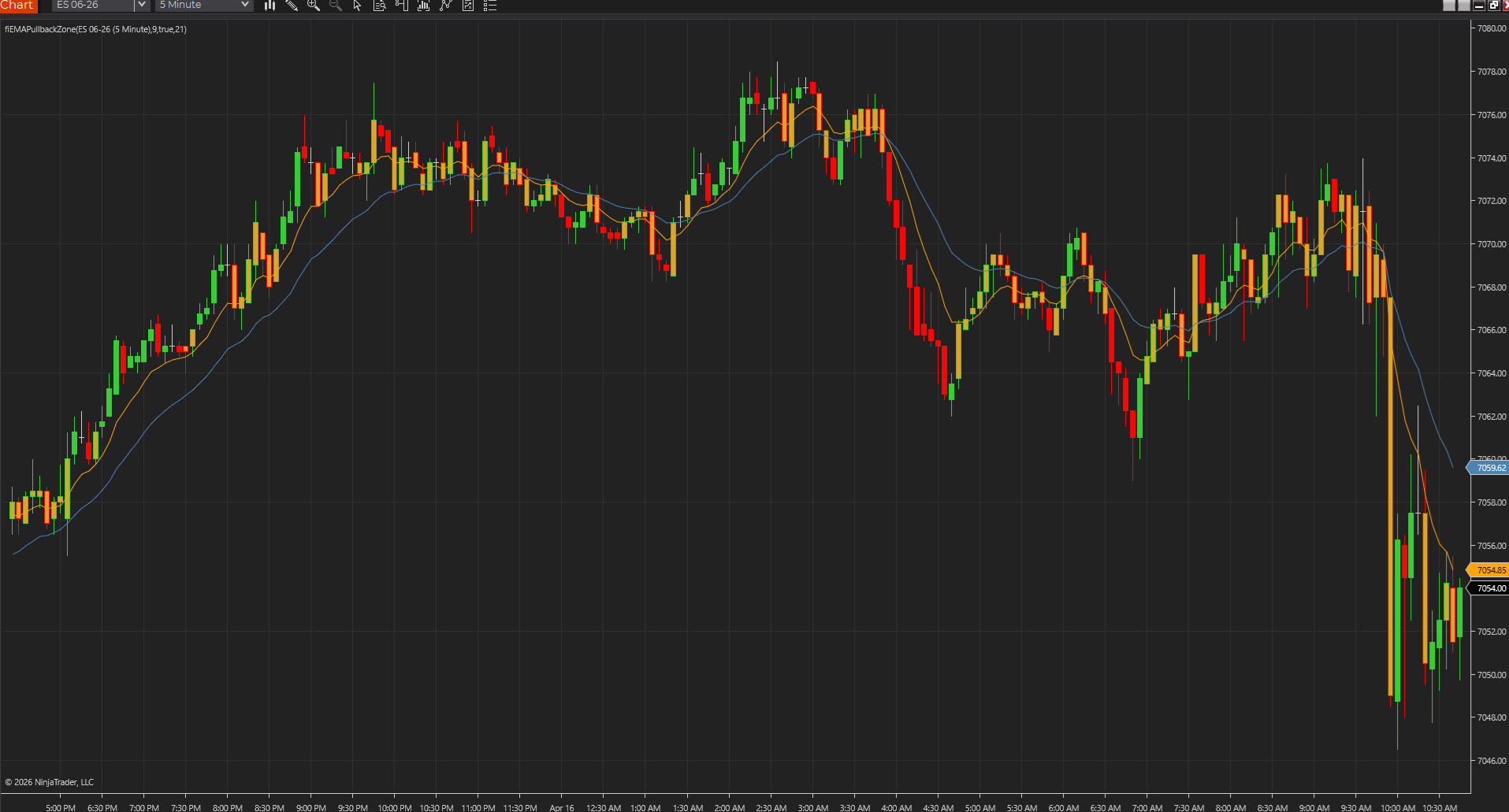
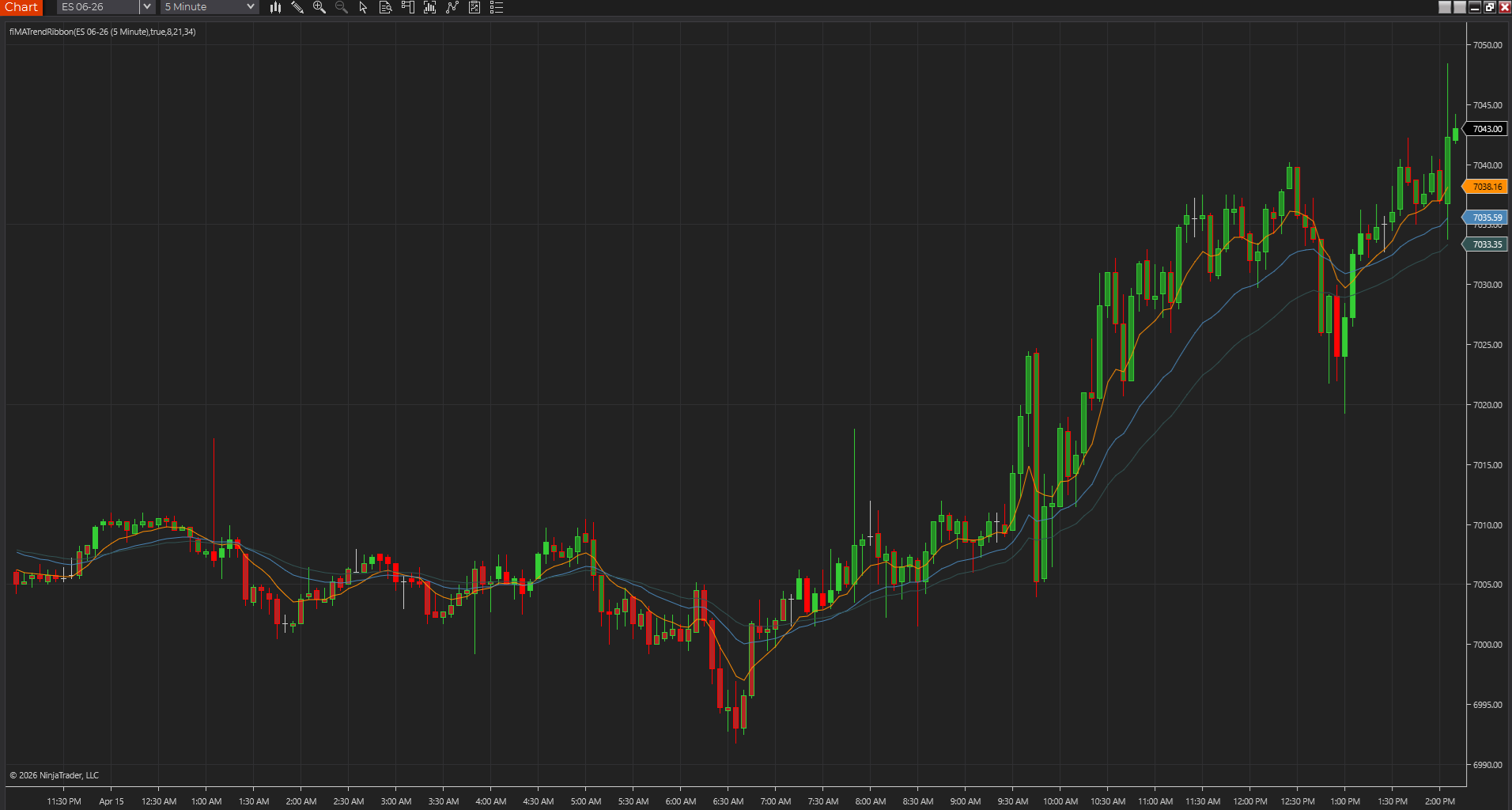
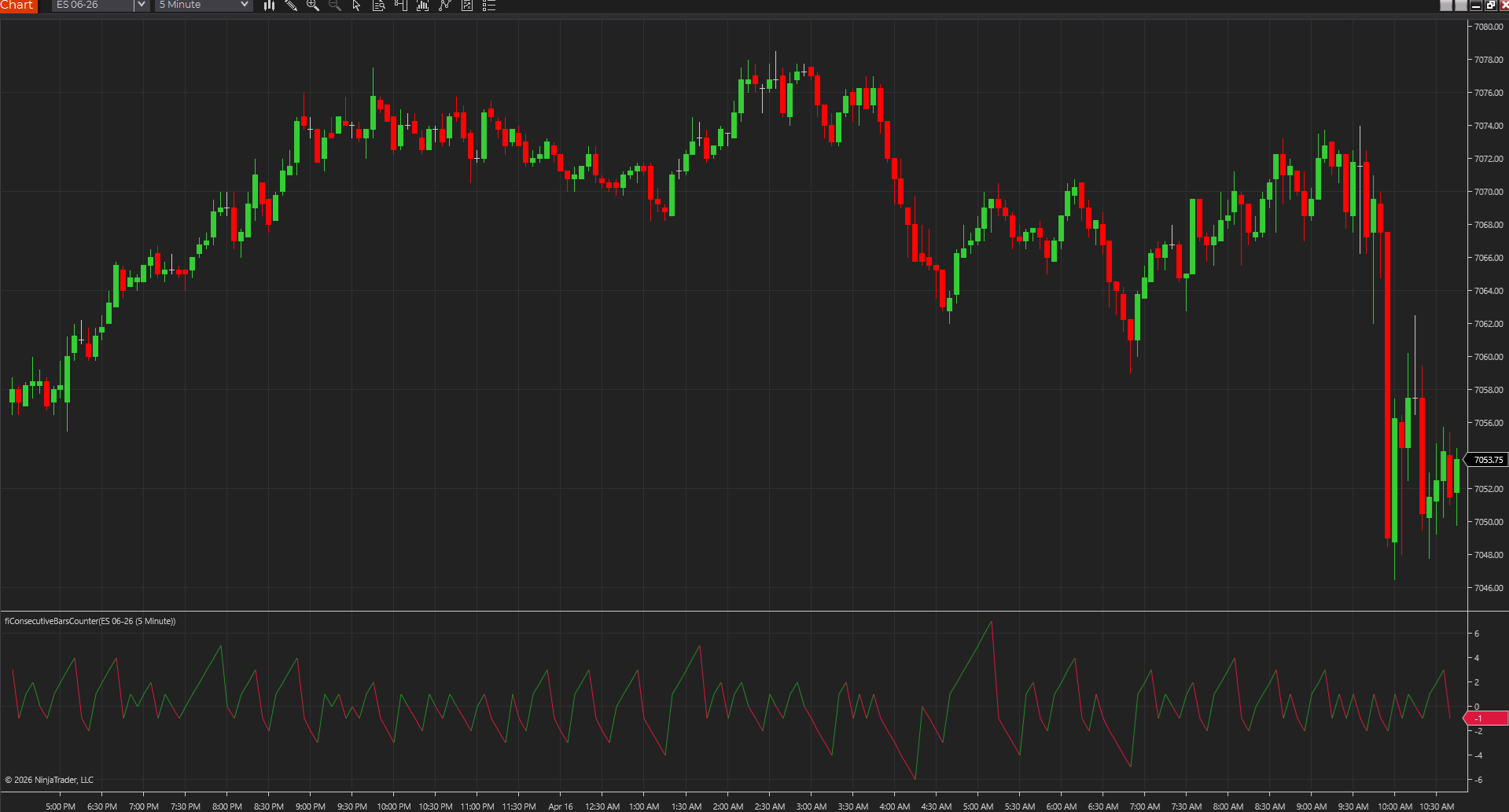
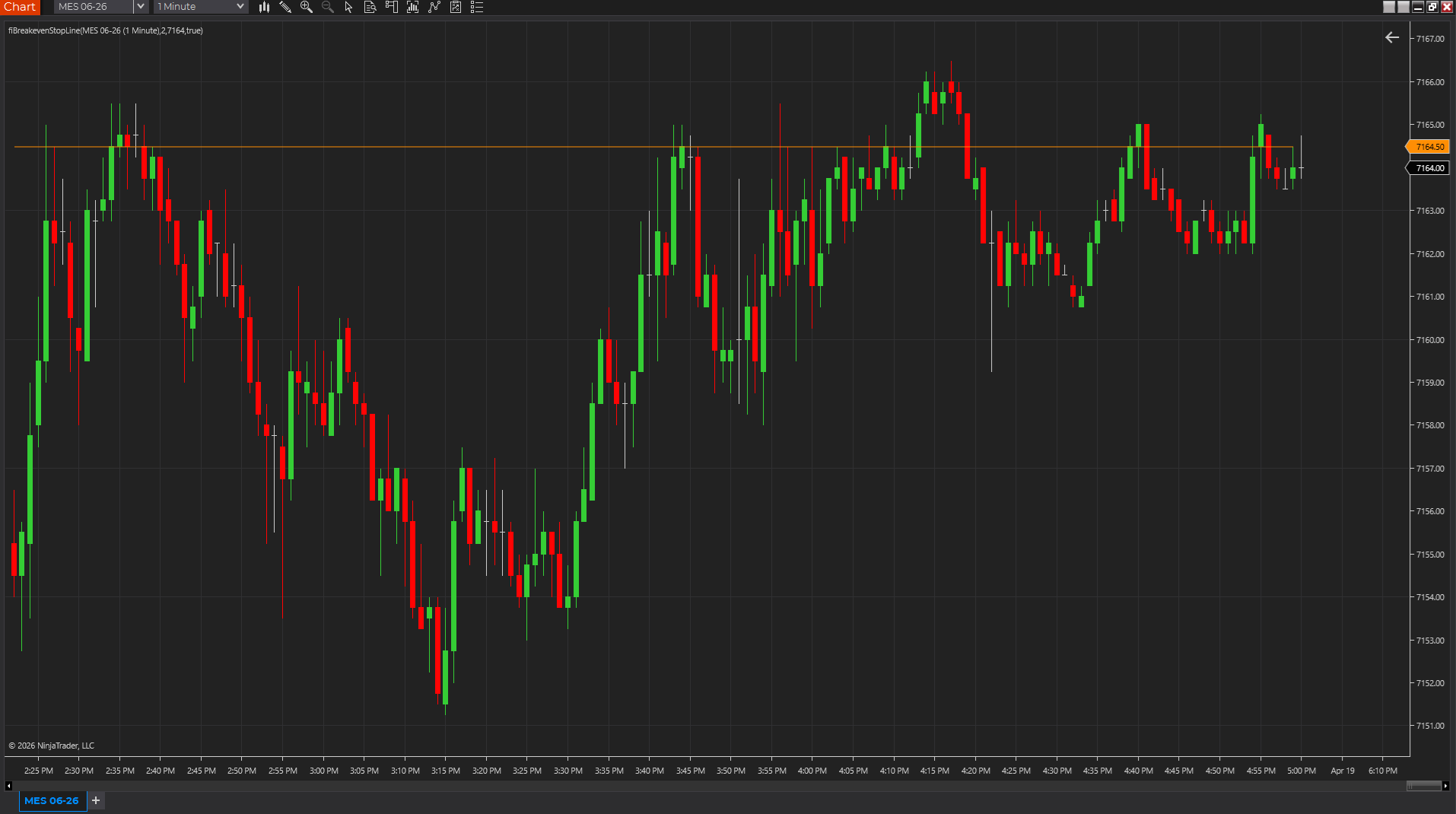
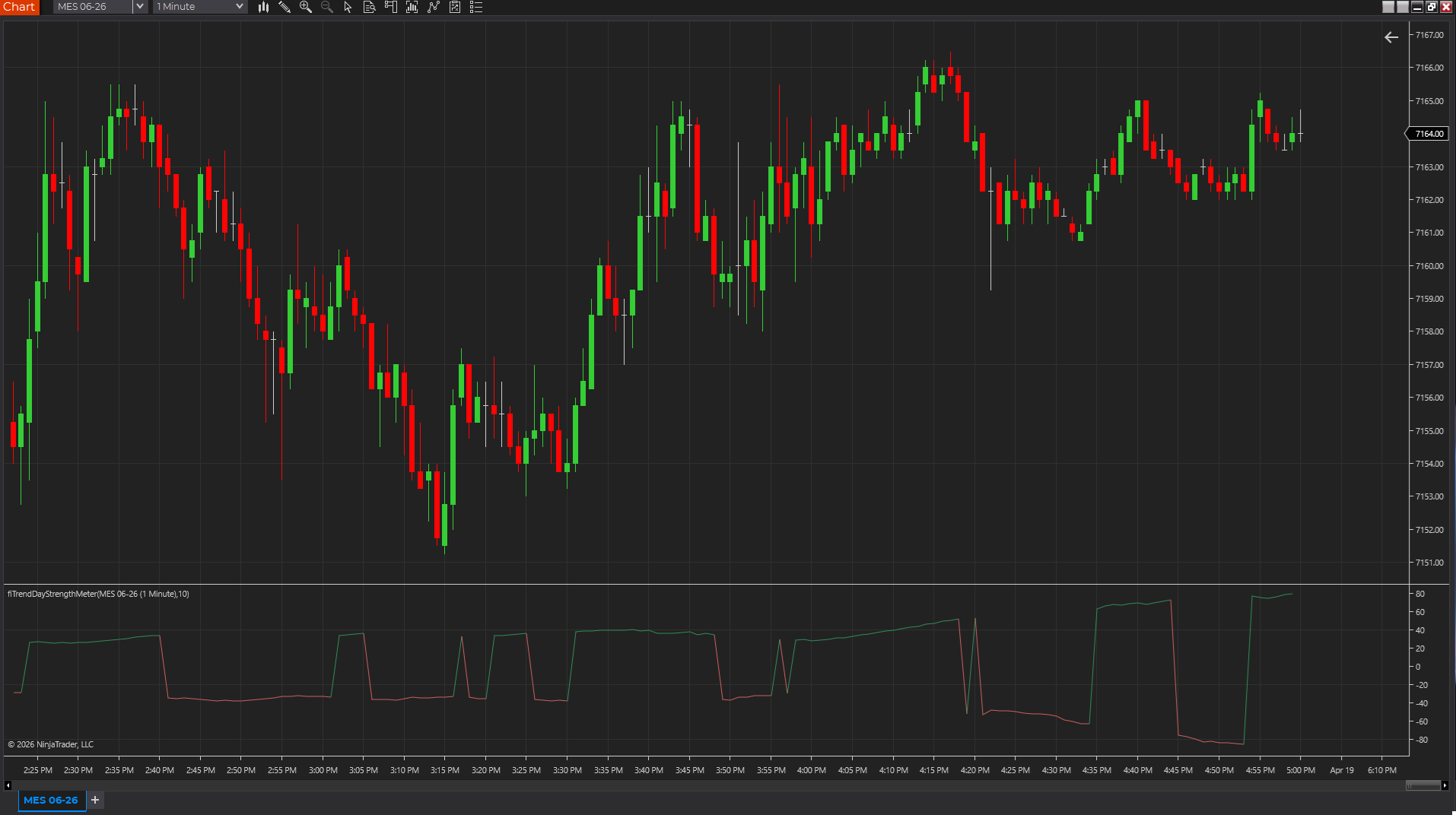
Shows whether bars are printing with real urgency or just drifting, so participation shifts stand out faster across tick, range, Renko, volume, and time charts.
NinjaTraderTradeStationTradingView
+4 more
: additional platforms include MetaTrader, MultiCharts, MT4, MT5
Download ready1 chart screenshotSource code included
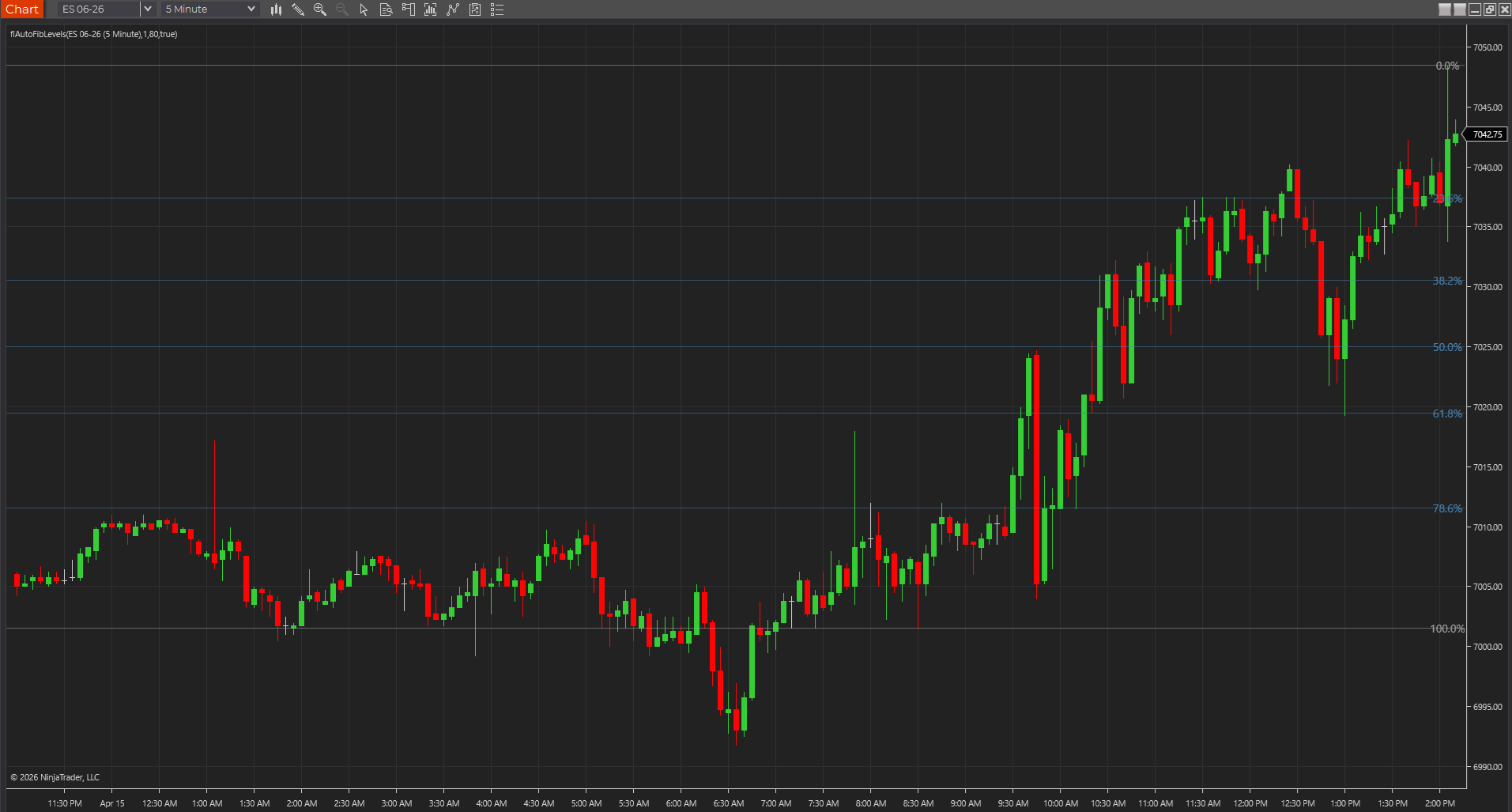
Keeps the recent swing's main Fibonacci retracement levels on screen so NinjaTrader and cross-platform traders can keep pullback zones visible without manual drawing.
NinjaTraderTradeStationTradingView
+4 more
: additional platforms include MetaTrader, MultiCharts, MT4, MT5
Download ready1 chart screenshotSource code included
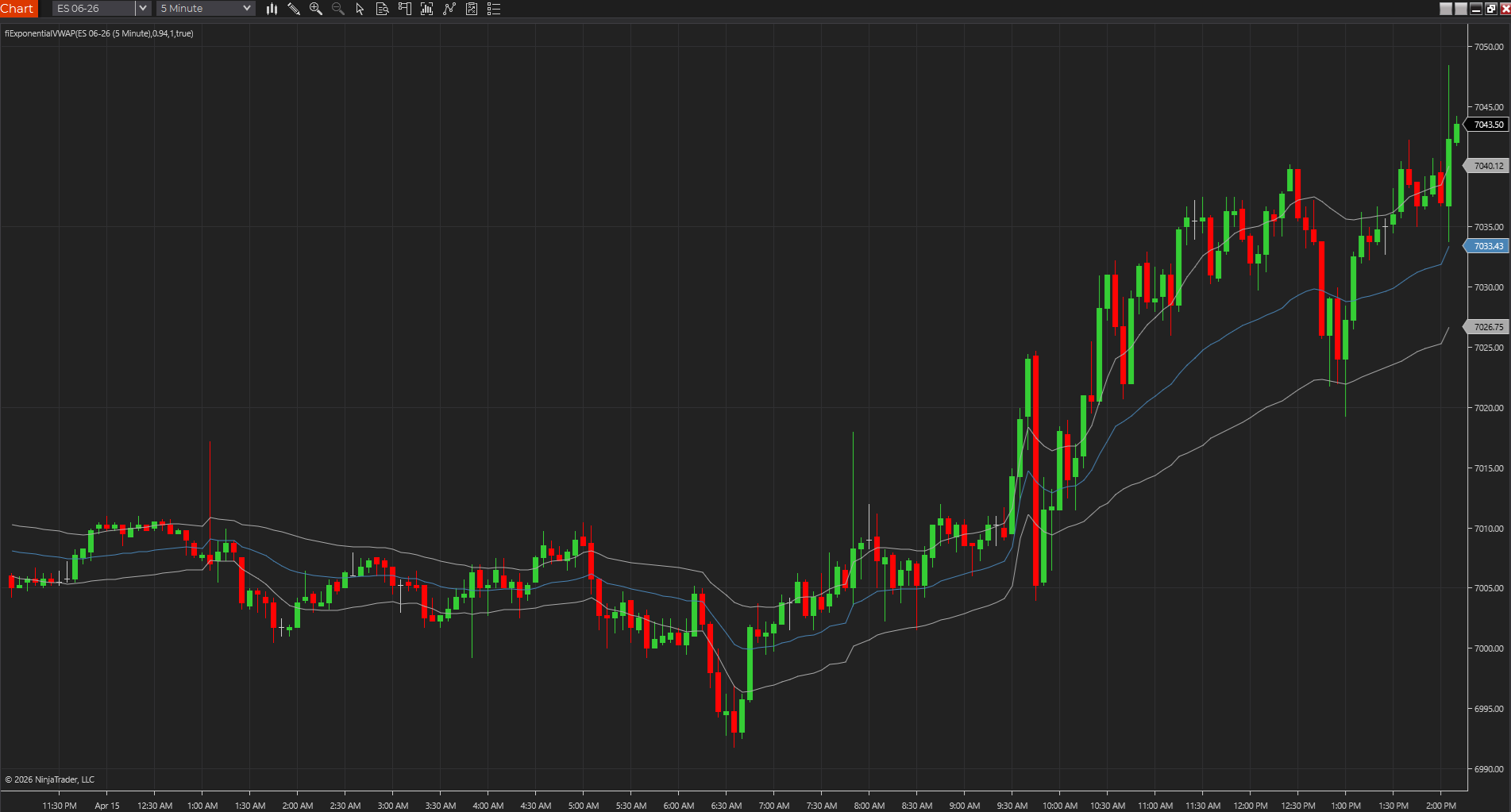
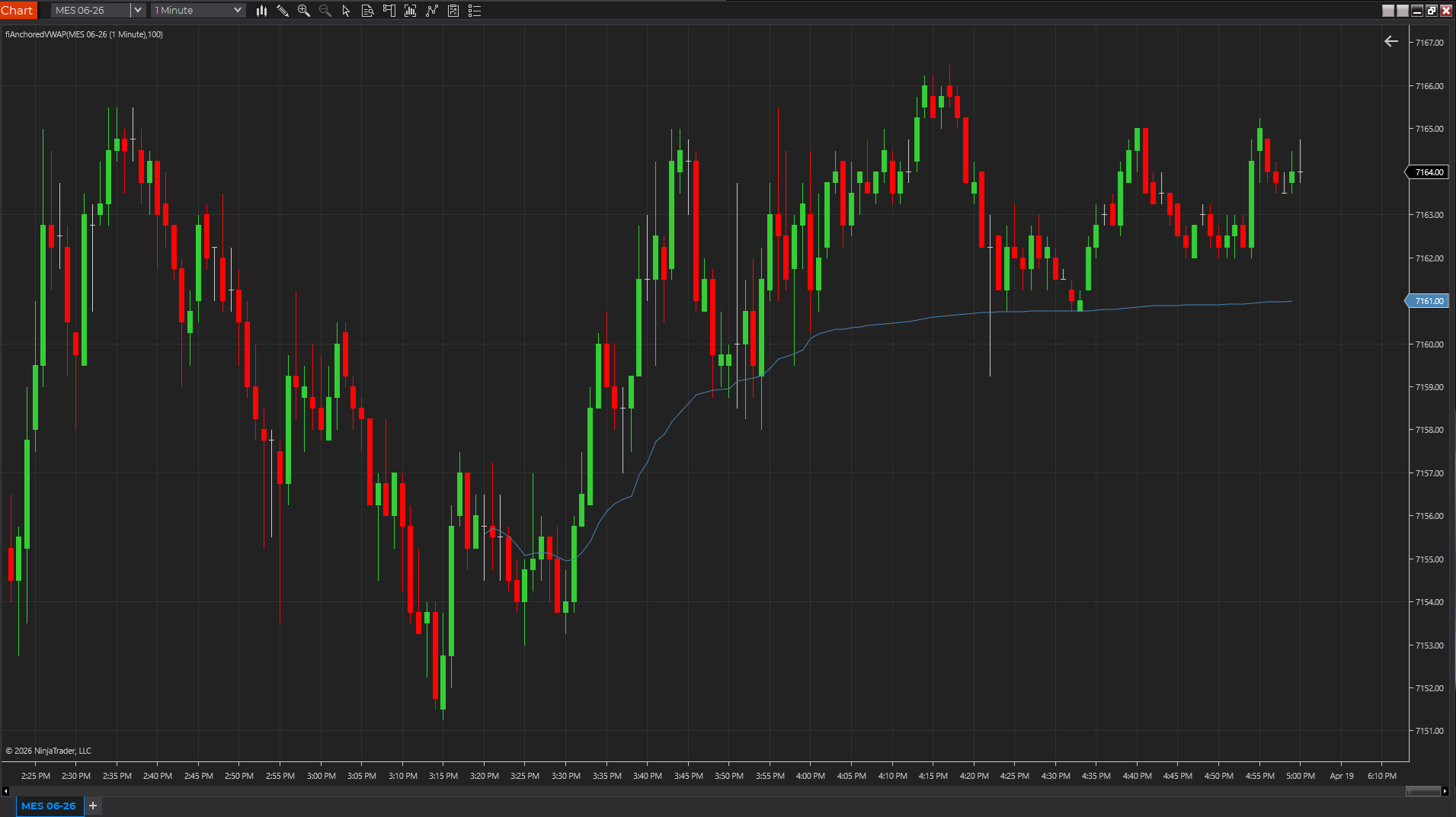
Uses exponential weighting to create a faster volume-weighted reference than standard session VWAP, which can help fair value react sooner during intraday shifts.
NinjaTraderTradeStationTradingView
+4 more
: additional platforms include MetaTrader, MultiCharts, MT4, MT5
Download ready1 chart screenshotSource code included
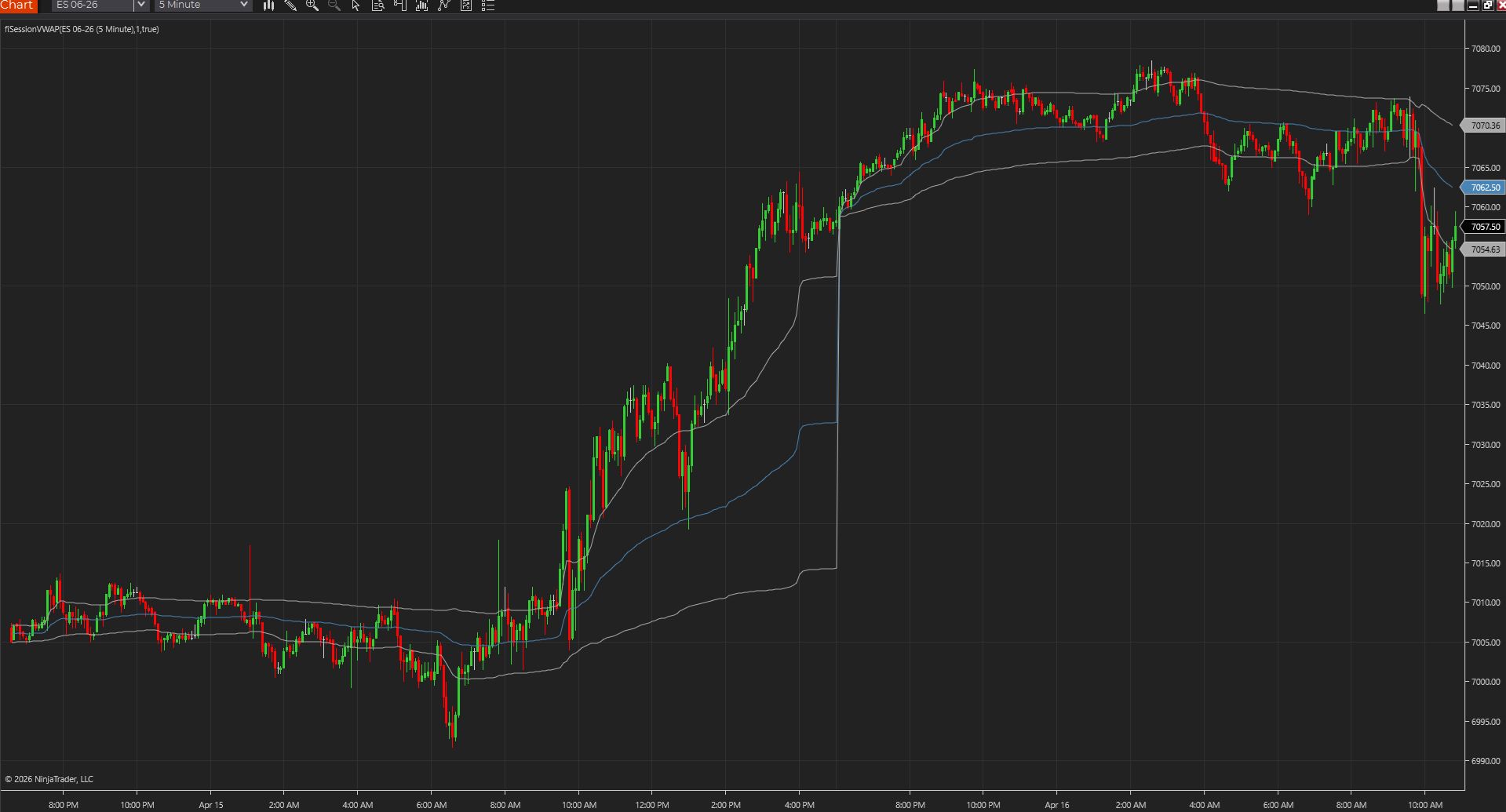
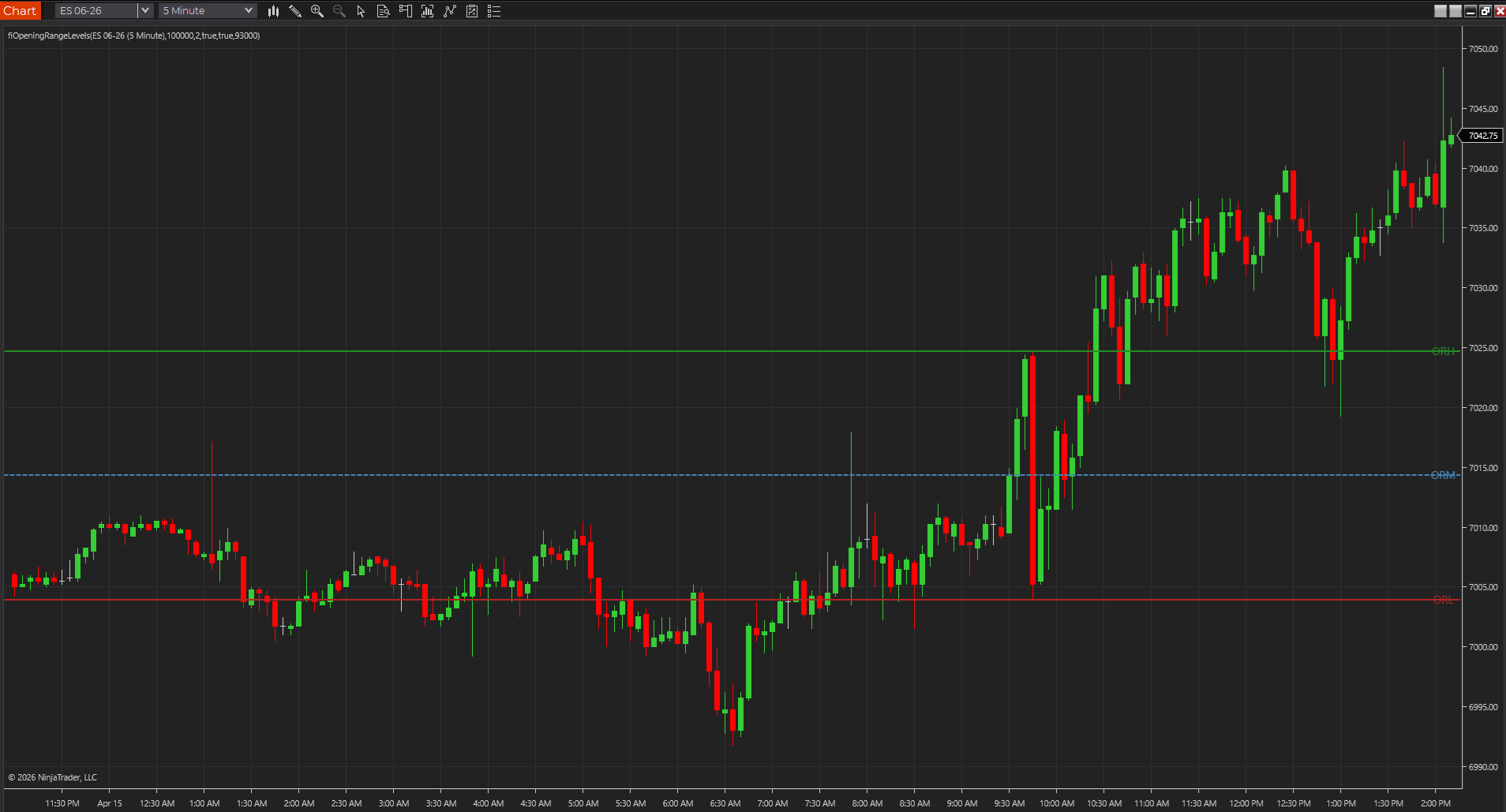
Marks the opening range high, low, and midpoint so traders can frame the first session expansion before deciding whether a breakout deserves attention.
NinjaTraderTradeStationTradingView
+4 more
: additional platforms include MetaTrader, MultiCharts, MT4, MT5
Download ready1 chart screenshotSource code included
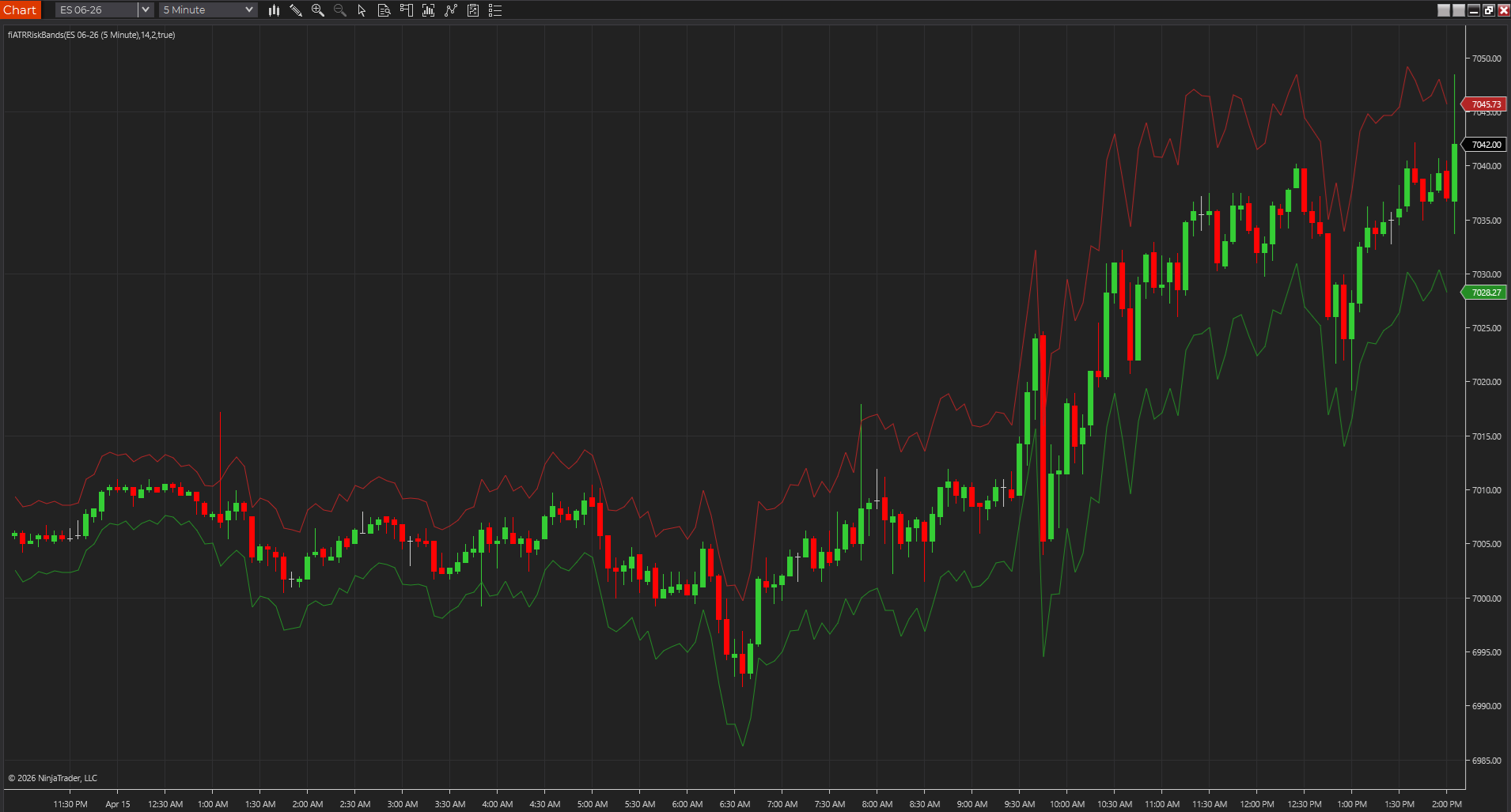
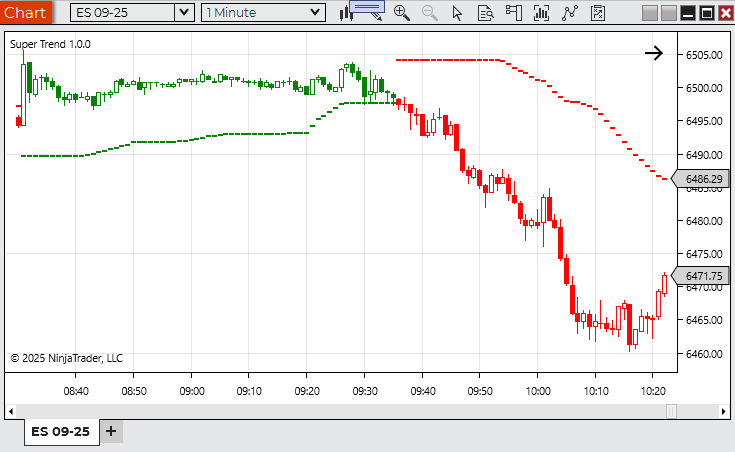
Plots a volatility envelope around price so traders can judge breathing room, stop distance, and stretch with less guesswork than a fixed-tick mindset.
NinjaTraderTradeStationTradingView
+4 more
: additional platforms include MetaTrader, MultiCharts, MT4, MT5
Download ready1 chart screenshotSource code included
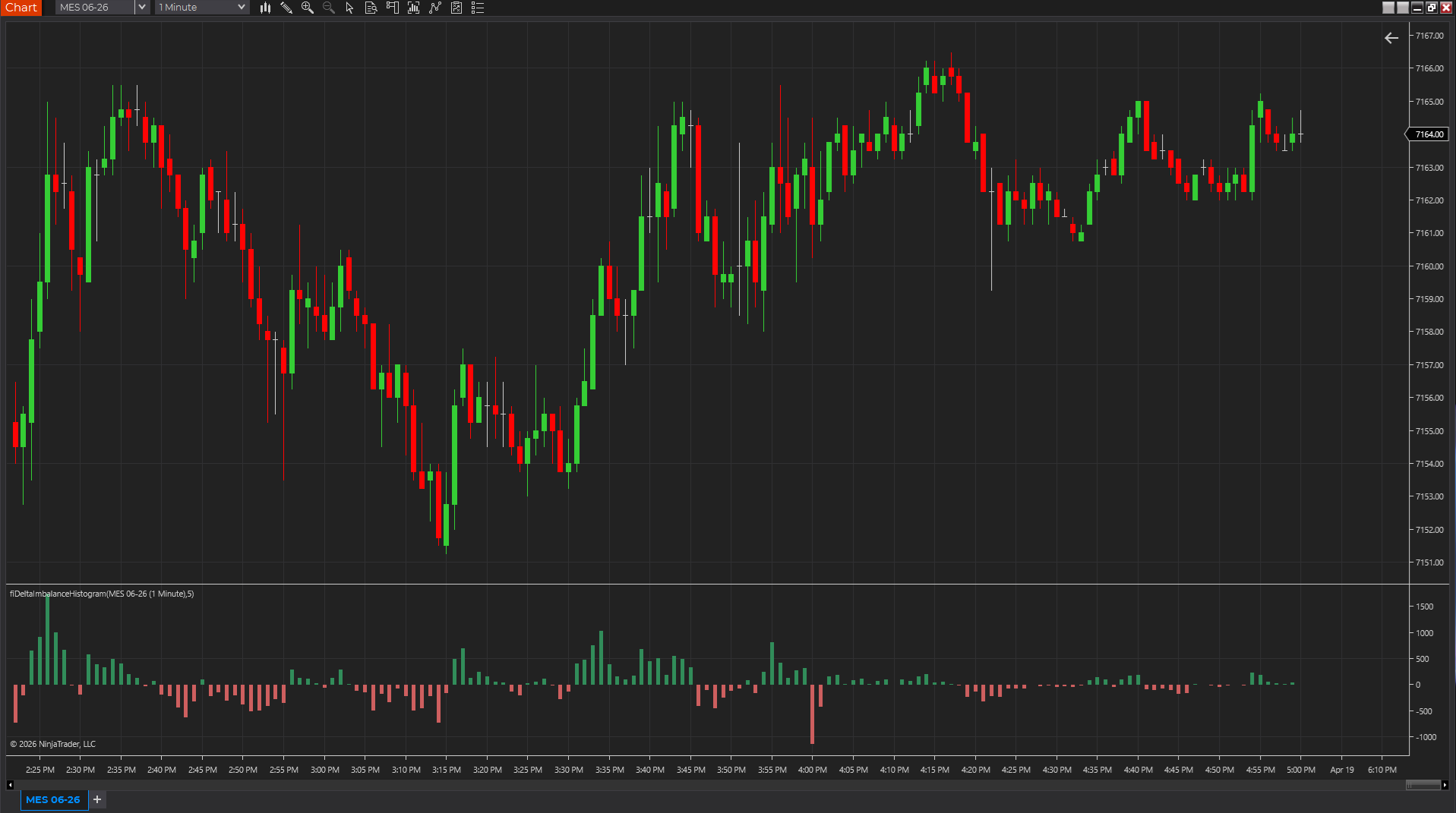
Uses candle body, range, and volume as a lightweight pressure proxy so traders can see whether momentum is skewing positive or negative without a full footprint feed.
NinjaTraderTradeStationTradingView
+4 more
: additional platforms include MetaTrader, MultiCharts, MT4, MT5
Download ready1 chart screenshotSource code included
A TradingView Pine Script guide to detecting a new day or session with ta.change(time("D")), resetting variables, and avoiding common mistakes in VWAP, opening range, and session-level scripts.
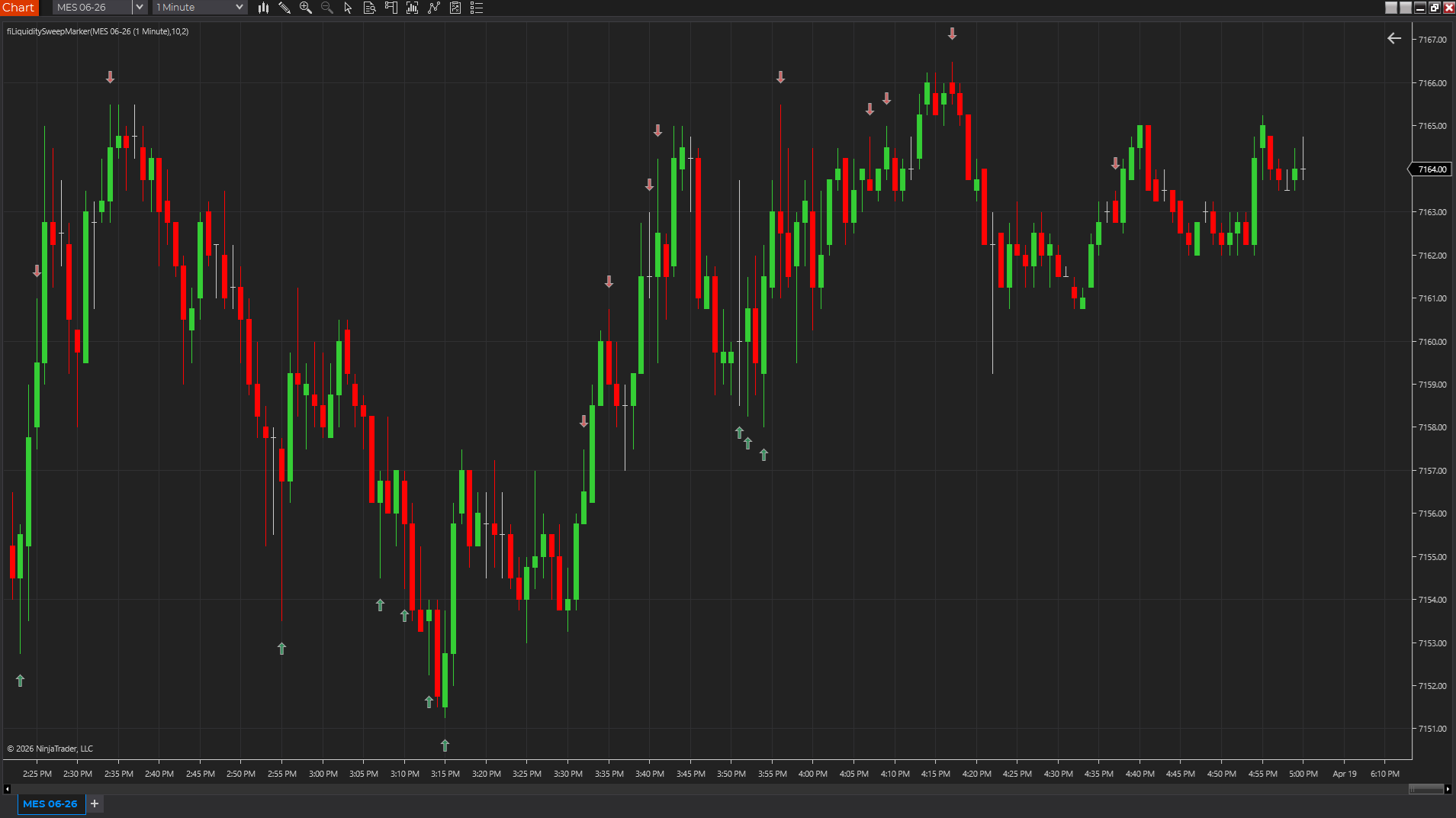
A practical guide to building and testing a TradingView Pine Script liquidity sweep indicator that marks failed breaks above recent highs or below recent lows without pretending every sweep is a reversal.
A practical guide to the best TradingView indicators for structure, trend, session context, and participation when you care more about usable Pine scripts than marketplace hype.
A practical TradingView testing guide for Pine Script users who want to avoid hindsight bias, misunderstood repainting, sloppy chart assumptions, and the trap of confusing a pretty chart with a useful script.
Start here if your main question is how to get a study working on TradingView before
you worry about workflow details, comparisons, or source translation.
Copy and adapt Pine Script examples for TradingView charts, including liquidity sweep logic, request.security workflows, daily session resets, repainting notes, and testing.
This platform hub collects downloads, source examples, install instructions, compatibility notes,
troubleshooting content, and platform-specific comparison pages. Keeping every tool connected to a platform
hub gives traders a faster path to the right resource.
That matters because platform intent is usually the first filter a trader applies. Before someone compares
indicators, they often need to know whether the site supports NinjaTrader, TradeStation, MultiCharts,
MetaTrader, or TradingView in a practical way. A strong hub reduces that friction and points people toward
the right kind of page instead of making them decode the whole site structure by trial and error.
How to move from this hub
Once you know this is the right platform, the next best move depends on the task. If you want a real
packaged download, move into the relevant product pages. If you want code transparency, move into the
platform source pages. If you are still deciding how a workflow fits together, the guides, glossary, and
category pages usually provide the missing context. The goal of the hub is not to answer every question on
one screen, but to make sure the next click is a good one.
NinjaTrader 8 Indicator
Market Structure Copilot — Free Trial
Works inside NinjaTrader 8 with your existing chart setup and session template.
Six structural degrees over the same chart — bias, phase, pressure, and confidence in one panel
Conditional confirmation and invalidation levels so the thesis has exact decision prices
Custom GPT reviews the raw evidence snapshot and forms an independent second opinion